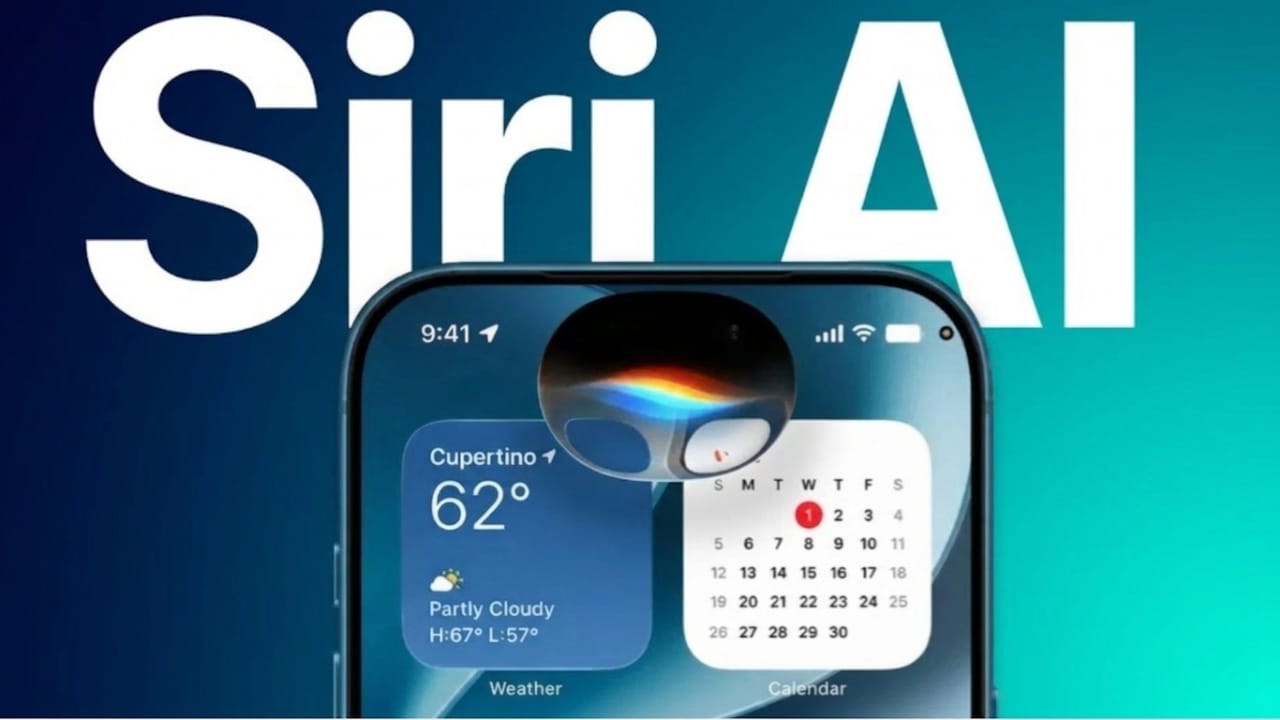
Apple unveiled a major update to its digital assistant during WWDC 2026. The company introduced Siri AI, a smarter and more capable version of Siri designed to provide a more natural and useful experience. Alongside this announcement, Apple also showcased iOS 27, bringing performance improvements, new AI-powered tools, and several usability enhancements.
Also read: How to Automatically Archive Unused Apps on Android and Free Up Storage
Siri AI Brings Smarter Conversations
Apple has upgraded Siri with advanced artificial intelligence features and officially introduced it as Siri AI. The new assistant is designed to understand conversations more naturally and respond with greater accuracy.
Users can now ask multiple related questions without repeating information. Siri AI is better at understanding context, making conversations feel smoother and more human-like.
The assistant can also access current information when needed and work with different apps to help complete tasks more efficiently. Apple focused on making Siri more practical for everyday use.
Ways to Access Siri AI
Apple has added several convenient ways to launch Siri AI:
- Open it directly from Dynamic Island
- Use a swipe gesture for quick access
- Press the side button
- Activate it using the “Hey Siri” voice command
Improved Voice Experience
Siri AI now features a more natural-sounding voice with enhanced speech technology. Users can customize how Siri sounds by adjusting various voice settings.
Main Siri AI Features
- Supports longer and more complex conversations
- Provides access to real-time information
- Allows voice customization options
- Offers accent adjustments for a personalized experience
- Better understands information stored within apps
During Apple’s presentation, Siri AI demonstrated the ability to perform several tasks quickly, including finding event details, creating reminders, recognizing locations from photos, and opening navigation directions.
Dedicated Siri AI App
Apple also introduced a standalone Siri AI application. This new app gives users a central place to manage conversations and continue previous discussions.
Chat history is automatically synchronized through iCloud, allowing conversations to continue across compatible Apple devices without interruption.
Benefits of the Siri AI App
- Easy access to past conversations
- Seamless continuation of chats on different devices
- Organized interface for starting new discussions
- Improved productivity through synchronized history
The new app will also be available on additional Apple platforms, including watchOS.
Better Integration Across Apple Devices
Apple is expanding Siri AI throughout its ecosystem.
On Mac devices, Siri AI works more closely with Spotlight Search and can be triggered through contextual menu options. Users of VisionOS will see Siri AI appear as an interactive 3D experience that can be placed within their digital environment.
According to Apple, Siri AI combines Apple’s own AI technology with additional AI capabilities to improve understanding and response quality.
iOS 27 Focuses on Speed and Intelligence
Alongside Siri AI, Apple introduced iOS 27, which includes several performance and design improvements.
The company says apps will launch faster, photo loading times have been improved, and AirDrop transfers are more efficient. Apple has also optimized system performance to deliver a smoother experience across supported devices.
The updated Liquid Glass interface receives additional refinements, giving users more control over visual appearance and transparency settings.
New Features in iOS 27
iOS 27 introduces several AI-powered tools and productivity features:
- Natural language commands across supported apps
- Smart suggestions based on user activity
- Advanced photo editing tools
- AI-assisted image enhancements
- Visual search capabilities using the camera
Apple has also improved core apps such as Safari, Photos, Wallet, Messages, Mail, and Shortcuts.
Safari can organize tabs more intelligently, while Messages and Mail can recommend helpful actions based on content. Users may also receive useful website-related notifications when supported.
Enhanced Family and Safety Controls
Parents will find new tools for managing device usage and online activity.
New Parental Control Features
- Time Allowances for managing screen time
- Scheduled usage periods
- Ask to Browse tools for safer web access
These additions aim to provide families with more control over how devices are used.
Availability
iOS 27 will support iPhone 11 models and newer devices. However, some advanced Apple Intelligence features will require newer hardware, including compatible iPhone 15 Pro models and later.
Apple also noted that certain features may launch first in English, with availability expanding to additional regions and languages over time.
Also read: How to Save GIFs from X (Twitter) on Mobile and Computer
Final Thoughts
With the introduction of Siri AI and the release of iOS 27, Apple is focusing on making its devices smarter, faster, and easier to use. The combination of improved AI capabilities, better performance, and new productivity tools is expected to enhance the overall user experience across the Apple ecosystem.

Jatin Rajput (Tech Golu) — Tech blogger & YouTuber with 6+ years of experience in WhatsApp, Instagram, Facebook, and mobile guides. Founder of TechGolu.in.