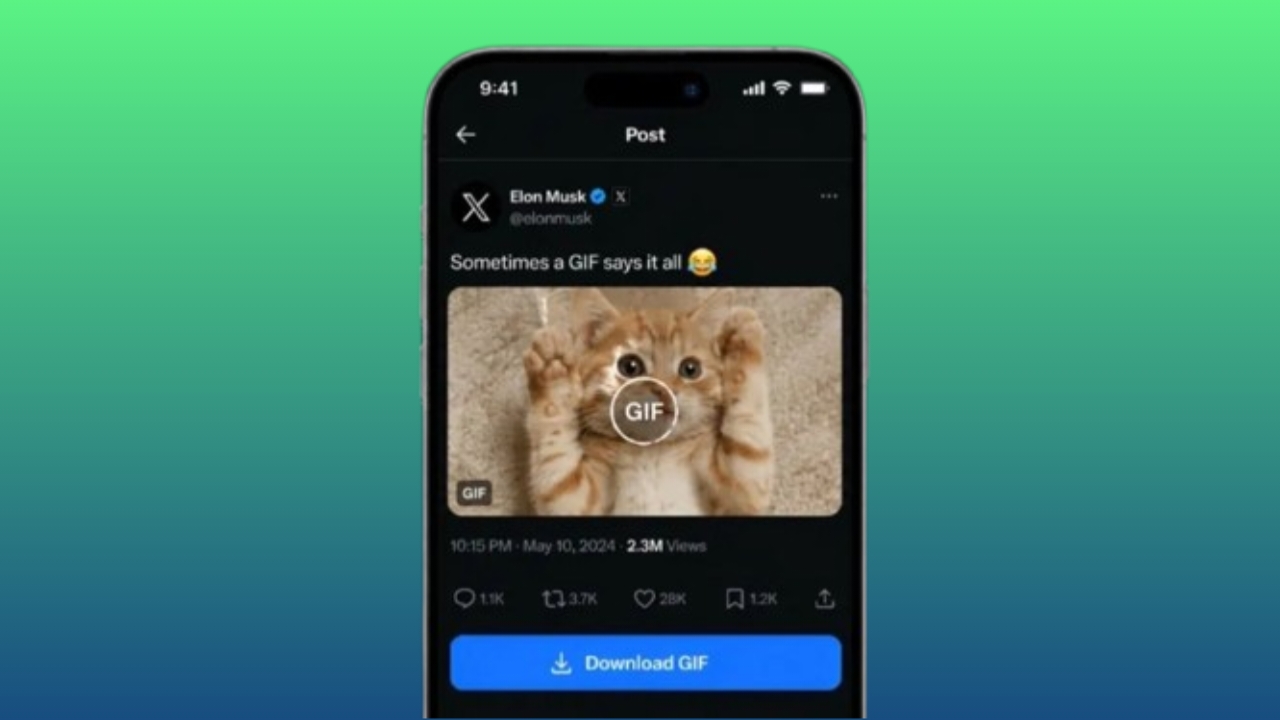
GIFs are one of the most entertaining ways to express emotions online. Whether it’s a funny reaction, a memorable movie scene, or a cute animal clip, many users like saving GIFs so they can share them later with friends and family.
If you’ve found a GIF on X (formerly Twitter) that you’d like to keep, the process is simple. With the help of online tools, you can download and store your favorite GIFs on both smartphones and computers.
Also read: How to Turn Off Touchscreen Input on Android Phones
Why GIFs Are So Popular
X is a platform where millions of people share content every day. Along with text posts, photos, and videos, GIFs are widely used to make conversations more engaging.
Animated GIFs help people communicate feelings, reactions, and humor quickly. Instead of typing a long response, users can often express themselves perfectly with a single GIF.
Some common types of GIFs include:
- Funny reaction GIFs
- Animal GIFs
- Movie clips
- TV show moments
- Sports highlights
- Celebrity reactions
Because of their popularity, users often come across GIFs they want to save for future use.
What Is a GIF?
GIF stands for Graphics Interchange Format. It is a type of image file that displays a sequence of images in a loop, creating a short animation.
Unlike traditional videos, GIFs are usually smaller in size and load quickly. This makes them easy to share across social media platforms, messaging apps, and websites.
Their simple format and quick playback make GIFs a favorite choice for online communication.
How to Download GIFs from X on a Mobile Phone
Saving GIFs on a smartphone is easy and takes only a few minutes.
Step 1: Open X
Launch the X app on your Android or iPhone and sign in to your account if needed.
Step 2: Find the GIF
Browse your timeline or search for the post containing the GIF you want to save.
Step 3: Copy the Post Link
Tap the share option on the post and choose Copy Link. The URL will be saved to your clipboard.
Step 4: Visit a GIF Downloader Website
Open your mobile browser and go to a trusted GIF downloading website.
Step 5: Paste the Link
Paste the copied post URL into the provided input box on the downloader website.
Step 6: Download the GIF
Start the download process and save the file when it becomes available.
Depending on your device, the GIF may be stored in:
- Gallery
- Downloads folder
- File Manager
Once saved, you can view or share it anytime.
Benefits of Downloading GIFs on Mobile
Saving GIFs directly to your phone offers several advantages:
- Access your favorite GIFs anytime
- Share them quickly through messaging apps
- View them without an internet connection
- Store them conveniently in one place
- Download files within seconds
How to Download GIFs from X on a Computer
Desktop and laptop users can also save GIFs without much effort.
Step 1: Open X in Your Browser
Visit the X website using your preferred browser and log in if necessary.
Step 2: Locate the GIF
Find the post that contains the GIF you want to download.
Step 3: Copy the Post URL
Use the sharing option to copy the link of the post containing the GIF.
Step 4: Use a Reliable GIF Downloader
Open a new browser tab and visit a trusted GIF downloading service.
Step 5: Paste the Link
Insert the copied URL into the website’s download field.
Step 6: Save the GIF
Start the download and save the file to your computer when prompted.
You can usually find the downloaded file in your Downloads folder unless you choose another location.
Why Download GIFs on a Computer?
Many users prefer downloading files on larger devices because it offers:
- Better file organization
- Easier folder management
- Faster multitasking
- More storage flexibility
- A larger screen for browsing content
These benefits are especially useful for users who save GIFs regularly.
Frequently Asked Questions
Can You Download GIFs Directly from X?
Currently, X does not provide a built-in option for downloading GIFs. A third-party downloader is generally required.
Can GIFs from Private Accounts Be Downloaded?
No. Content from private accounts is protected by privacy settings and can only be accessed by approved followers.
Are GIF Downloader Websites Safe?
Many popular downloader services are generally safe to use. However, it’s always a good idea to use trusted websites and avoid suspicious platforms that request unnecessary permissions.
Do GIF Downloads Consume a Lot of Data?
GIF files are usually compact and often require less data than full video files, making them convenient for downloading and sharing.
Can GIFs Be Converted into Videos?
Yes. Various online tools allow users to convert GIF files into video formats such as MP4, which may offer better compatibility on some devices.
Are GIF Downloaders Free?
Most GIF downloading tools offer free basic functionality. Some services may provide additional premium features, but standard downloads are often available at no cost.
Does GIF Quality Change After Downloading?
The quality depends on the tool being used. Reliable services generally preserve the original animation quality as much as possible.
Tips for Safe and Easy GIF Downloads
To improve your experience, keep these suggestions in mind:
- Use reputable downloader websites
- Read user reviews before trying a new service
- Avoid clicking suspicious advertisements
- Keep your browser updated
- Organize downloaded files in folders
- Use a secure internet connection
- Check downloaded files before sharing
- Respect copyright and content ownership rules
Following these practices can help make downloading safer and more organized.
Also read: Hidden iPhone Setting That Can Help Reduce Eye Strain: How to Turn On Screen Distance
Final Thoughts
Downloading GIFs from X is a simple process on both mobile devices and computers. By using trusted tools and following safe browsing practices, you can save your favorite animations and enjoy them whenever you like.
Whether you’re collecting funny reactions, memorable scenes, or entertaining clips, keeping GIFs stored on your device makes sharing and viewing them much more convenient.

Jatin Rajput (Tech Golu) — Tech blogger & YouTuber with 6+ years of experience in WhatsApp, Instagram, Facebook, and mobile guides. Founder of TechGolu.in.