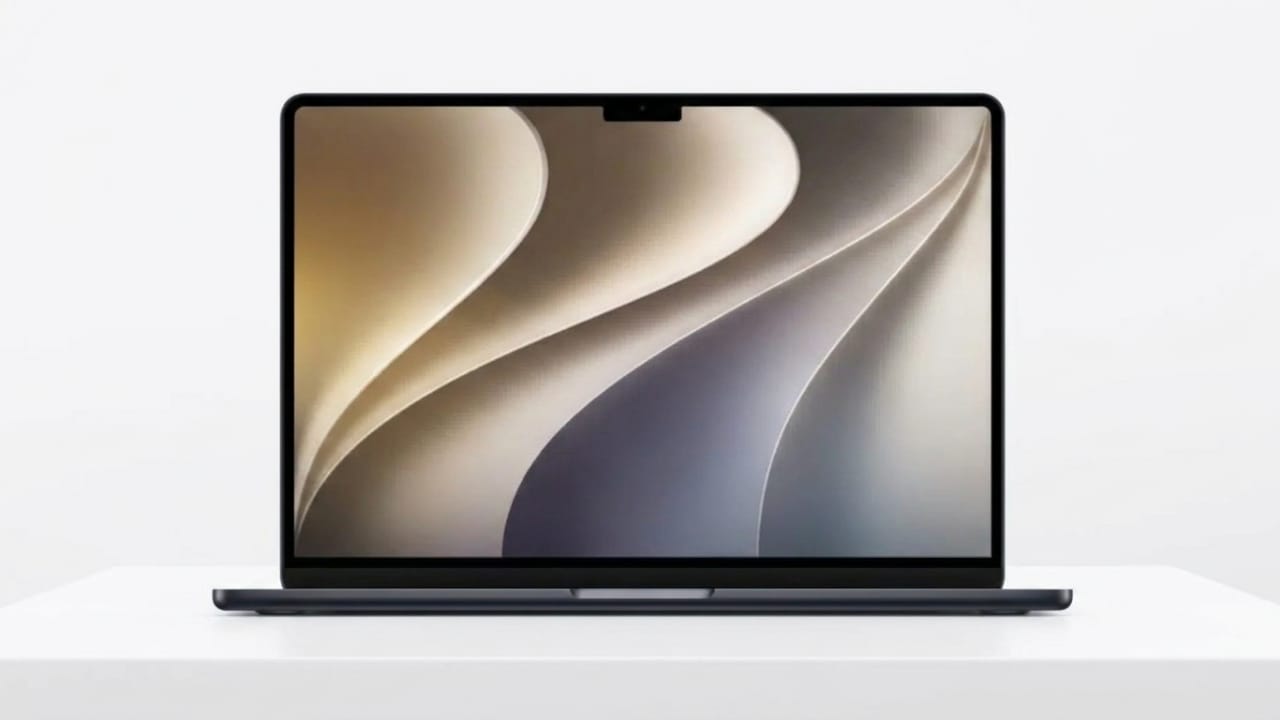
Apple introduced macOS 27 “Golden Gate” during WWDC 2026, bringing several new features and a fresh visual design. Along with the software announcement, Apple also unveiled a stunning new desktop wallpaper that reflects the updated look of the operating system.
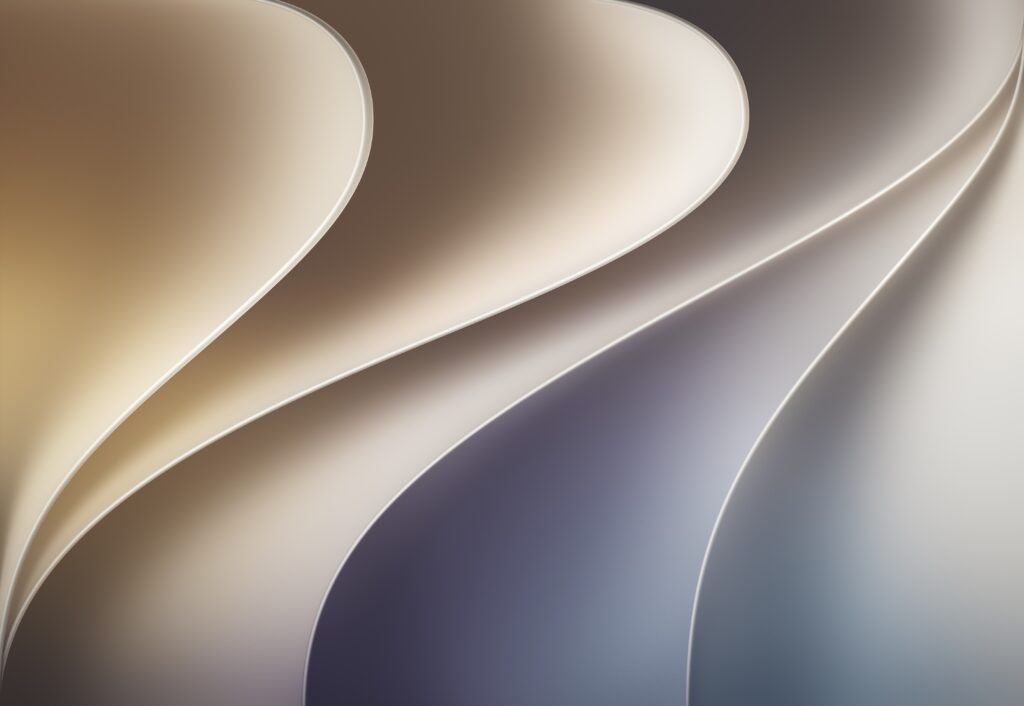
The wallpaper features a modern design with smooth curves, soft color transitions, and a clean appearance that fits perfectly with Apple’s latest design language. It is available for users who want to refresh the look of their Mac or other devices.
Also read: Apple Introduces Siri AI and iOS 27 at WWDC 2026
A Fresh New Design Inspired by Apple’s Latest Style
The macOS 27 Golden Gate wallpaper follows a minimalist yet elegant approach. It includes layered curved shapes that create a sense of depth and dimension. Gentle shadows add a realistic touch, making the design feel more dynamic without being distracting.
The artwork combines warm and cool tones to create a balanced visual experience. Shades of sandy gold and beige blend naturally with gray and deep blue accents, resulting in a wallpaper that looks both modern and professional.
Its clean design makes it suitable for everyday use, whether you’re working, studying, or simply customizing your desktop.
Key Features of the Wallpaper
- Modern layered design with smooth curves
- Subtle shadow effects for added depth
- Balanced mix of warm and cool colors
- Clean appearance that complements macOS 27
- Available in both Light and Dark modes
Available Resolutions and Versions
Apple has provided the wallpaper in multiple sizes to support different screens and devices.
The highest-quality version comes in a native resolution of 4480 × 3088, making it ideal for Retina displays and high-resolution monitors. In addition, Apple offers optimized versions for 4K and 5K displays.
Users can choose between Light and Dark variants based on their personal preference or system settings.
Available Options
- Native resolution: 4480 × 3088
- 4K version for standard high-resolution displays
- 5K version for larger monitors
- Light Mode wallpaper
- Dark Mode wallpaper
Because of the multiple resolutions available, the wallpaper can be used not only on Macs but also on Windows PCs, tablets, and other compatible devices.
How to Save and Use the Wallpaper
Downloading and applying the wallpaper is a simple process.
- Visit the wallpaper download page.
- Choose the resolution and version you prefer.
- Open the image in a new browser tab.
- Save the image to your device.
To set it as your wallpaper on a Mac:
- Open System Settings.
- Select Wallpaper.
- Click Add Photo.
- Choose the downloaded image.
The wallpaper will then be applied to your desktop.
More WWDC 2026 Content from Apple
Alongside the macOS 27 wallpaper, Apple released several other WWDC-themed resources for fans and users.
These included wallpapers for iPhone and iPad devices, as well as a special Apple Music playlist created to celebrate the event. Apple also shared promotional videos leading up to the keynote presentation, building excitement around the conference.
WWDC 2026 Highlights
- Official wallpapers for multiple Apple devices
- Curated Apple Music playlist for WWDC 2026
- Event-themed promotional videos
- “Glow all out” campaign slogan
- Major software announcements across Apple’s platforms
Also read: How to Automatically Archive Unused Apps on Android and Free Up Storage
Final Thoughts
The macOS 27 Golden Gate wallpaper is a great choice for users who enjoy clean and modern desktop designs. Its layered visuals, soft color palette, and high-resolution quality help create a polished look on a wide range of screens.
With support for multiple resolutions and both Light and Dark versions, it’s an easy way to give your device a fresh appearance inspired by Apple’s latest software release.

Jatin Rajput (Tech Golu) — Tech blogger & YouTuber with 6+ years of experience in WhatsApp, Instagram, Facebook, and mobile guides. Founder of TechGolu.in.