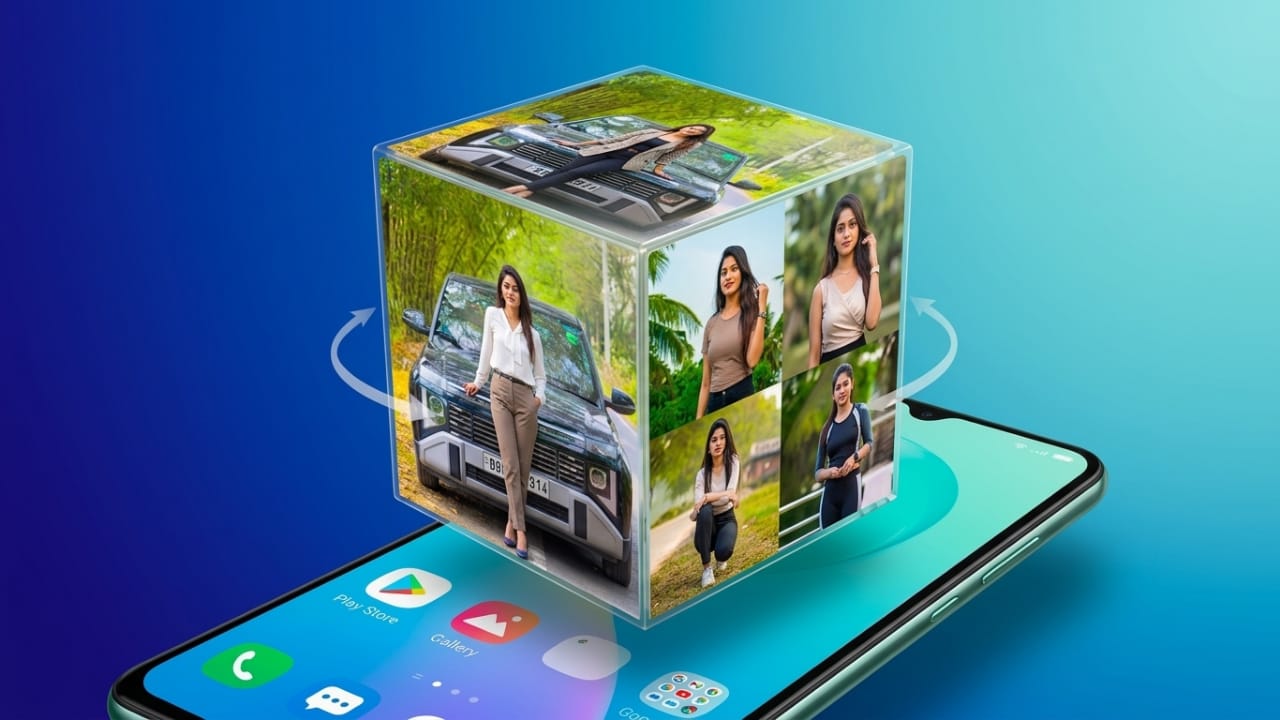
If you enjoy customizing your smartphone, a live wallpaper can instantly make your home screen look more attractive. 3D Photo Live Wallpaper is an Android app that lets you transform your favorite pictures into a rotating 3D cube wallpaper. Instead of using a standard background, you can display your own memories in an animated and personalized way.
In this guide, you’ll learn what the app does, its main features, how to use it, along with its advantages and limitations.
Also read: Sequin Flip Live Wallpaper: Give Your Android Home Screen a Fun and Interactive Look
What is 3D Photo Live Wallpaper?
3D Photo Live Wallpaper is an Android application that creates an animated 3D cube using photos from your gallery. Each side of the cube can display a different image, and the cube rotates smoothly on your home screen as a live wallpaper.
This allows you to showcase family photos, travel memories, pets, or any other favorite pictures in a more creative way than a traditional wallpaper.
Key Features
1. Animated 3D Cube
The app displays your selected photos on a rotating 3D cube, giving your home screen a modern and dynamic appearance.
2. Use Your Own Pictures
You can choose images directly from your phone’s gallery and assign different photos to each side of the cube.
3. Add Custom Text
Some versions of the app let you add text, such as your name, a short message, or a favorite quote, for a more personalized design.
4. Smooth Rotation
The cube rotates automatically, making the wallpaper look lively without requiring any interaction.
5. Optimized Performance
The app is designed to work efficiently on many Android devices. Actual battery usage may vary depending on your phone model and settings.
6. Beginner-Friendly Interface
Its simple layout makes it easy for new users to create and apply a live wallpaper in just a few steps.
How to Use 3D Photo Live Wallpaper
Setting up your wallpaper is straightforward.
Step 1: Install the app from the Google Play Store.
Step 2: Open the app after installation.
Step 3: Select the photos you want to display on the cube.
Step 4: Customize available settings such as rotation speed, background, or text if the app supports these options.
Step 5: Tap Set as Wallpaper to apply the animated wallpaper to your home screen.
Why Choose This App?
There are several reasons why users enjoy this app:
- It lets you personalize your phone using your own photos.
- The rotating 3D effect gives your home screen a fresh and stylish look.
- The setup process is quick and simple.
- It offers a more interactive experience than a regular wallpaper.
Tips for Better Results
For the best-looking wallpaper, keep these tips in mind:
- Choose clear, high-resolution photos.
- Use different images on each side of the cube for a more interesting effect.
- Pick photos with good brightness and color balance.
- If the app supports it, add your name or a short message for a personal touch.
Advantages
- Simple and easy to use
- Attractive 3D animation
- Supports personal photos
- Multiple customization options
- Suitable for most users
Limitations
- Performance may vary on older devices.
- The free version may display advertisements.
- Some advanced customization options may not be available.
Who Should Try This App?
This app is a good choice for:
- People who enjoy customizing their smartphones.
- Users who want to display personal photos in a creative way.
- Content creators who like visually appealing phone setups.
- Anyone looking for a unique animated wallpaper.

Also read: GO Launcher S: A Simple Way to Customize Your Android Phone
Final Thoughts
3D Photo Live Wallpaper is a simple yet enjoyable app for adding a personal touch to your Android device. By turning your favorite pictures into a rotating 3D cube, it creates a home screen that feels more unique and engaging.
If you’re looking for an easy way to refresh your phone’s appearance without complicated settings, this app is worth exploring. It offers a fun combination of personalization and animation while remaining easy to use for beginners.

Jatin Rajput (Tech Golu) — Tech blogger & YouTuber with 6+ years of experience in WhatsApp, Instagram, Facebook, and mobile guides. Founder of TechGolu.in.