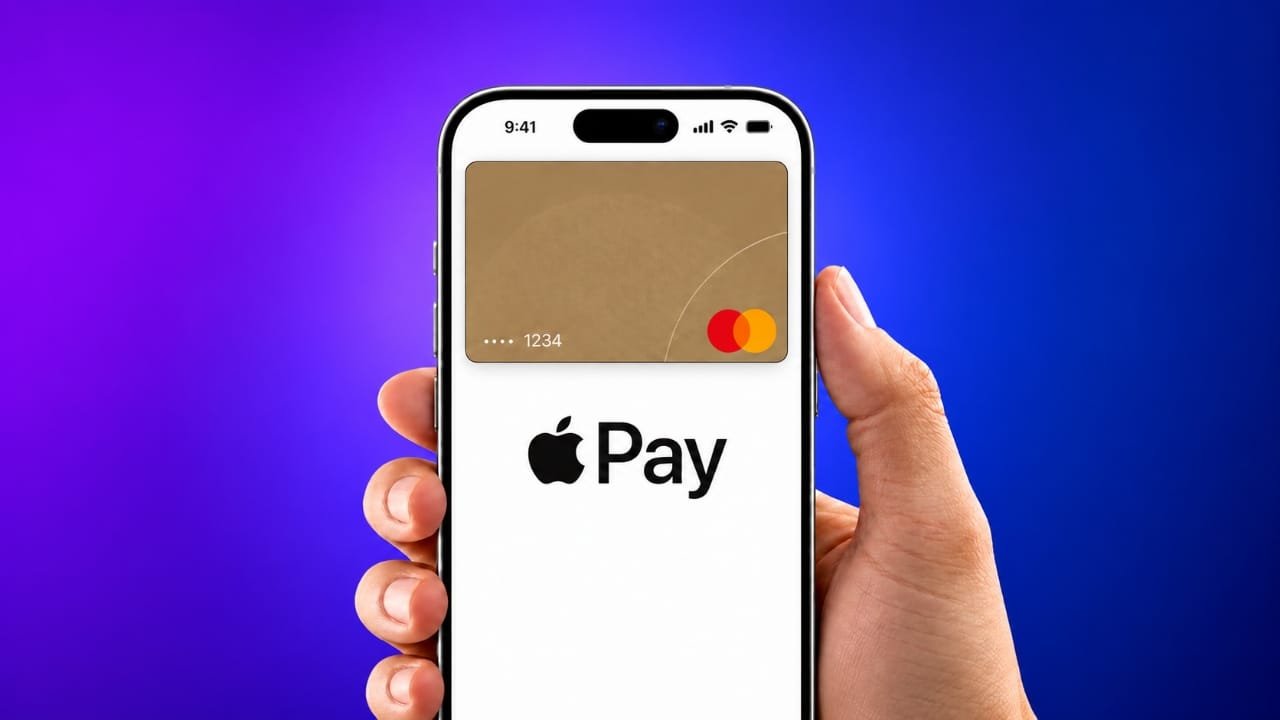
Apple Pay is now available in India, giving eligible Axis Bank credit card users another option for making digital payments. The service can be used at supported stores, apps and websites with compatible Apple devices.
At launch, Apple Pay supports selected Axis Bank-issued Visa and Mastercard credit cards. Users can add an eligible card to Apple Wallet and use their Apple device for contactless payments wherever the service is accepted.
Also read: Siri Suggestions Not Working on iPhone or iPad? Try These Fixes
Apple Pay India Launch: Key Details
Apple Pay became available in India on September 30, 2026.
Here are the main details:
- Launch date: September 30, 2026
- Supported bank at launch: Axis Bank
- Supported cards: Selected Axis Bank Visa and Mastercard credit cards
- Supported devices: Compatible iPhone, iPad and Apple Watch models
- Mac: Support is expected to arrive later
- Availability: Participating stores, apps and websites
Not every Axis Bank card may be eligible. Card support can also change over time, so it is a good idea to check the latest information from Apple and Axis Bank before adding a card.
Which Axis Bank Cards Work With Apple Pay?
At launch, Apple Pay supports selected Axis Bank-issued Visa and Mastercard credit cards.
Based on the current launch information, RuPay cards and debit cards are not included in the initial supported card list.
Apple may expand Apple Pay support to additional banks and card types in the future. Therefore, users should check Apple’s latest participating banks and cards information before trying to add a card.
Which Apple Devices Support Apple Pay?
Apple Pay requires a compatible Apple device and supported software version.
iPhone
Compatible iPhone XR or newer models can be used with Apple Pay when running the required iOS version.
Apple Watch
Apple Watch can also be used for payments when the watch and paired iPhone meet the required compatibility and software requirements.
iPad
Supported iPad models can be used for Apple Pay purchases inside participating apps and websites.
Mac
Mac support is expected to be added later in India.
Because device and software requirements can change, users should check Apple’s current requirements before setting up the service.
How to Add an Axis Bank Card to Apple Pay
Adding an eligible card can be done through the Wallet app on a compatible iPhone.
Follow these general steps:
- Open the Wallet app on your iPhone.
- Tap the + button.
- Choose the option to add a credit or debit card.
- Enter or scan your eligible Axis Bank card details.
- Follow the verification steps shown on the screen.
- Complete any verification required by Axis Bank.
- After successful verification, the card will be available for supported Apple Pay payments.
Depending on the card and account, the bank may ask you to complete an additional verification step.
Eligible users may also be able to add their card through the Axis Bank mobile banking app.
How to Use Apple Pay at a Store
Once your card has been successfully added, paying at a supported contactless terminal is straightforward.
- Double-click the side button on a compatible iPhone or the appropriate button on your Apple Watch.
- Confirm your identity using Face ID, Touch ID or your device passcode, depending on the device.
- Hold the top of your iPhone or the display of your Apple Watch close to the contactless payment terminal.
- Wait for the payment confirmation.
The payment will be completed if the merchant terminal and card are supported.
You can also select the Apple Pay option when checking out on a supported app or website and then confirm the payment on your Apple device.
Any applicable card rewards or benefits continue to depend on the terms and conditions of the Axis Bank card.
Where Can Apple Pay Be Used in India?
Apple Pay can be used at participating merchants that support the required payment technology.
Apple’s launch information includes several well-known businesses, including:
- Apple Store locations
- Blinkit
- Chaayos
- Croma
- Interflora
- Ixigo
- Le15 Patisserie
- Reliance brands
- Tata 1mg
- Zomato
- Comet
Payment technology providers involved in merchant acceptance include Cashfree, Juspay, Mswipe, Paytm, PayU, Pine Labs, Razorpay and Worldline.
However, availability may vary from one store, payment terminal, app or website to another. Before making a payment, look for the contactless payment or Apple Pay symbol.
Is Apple Pay Safe to Use?
Apple Pay is designed so that your actual card number is not shared with the merchant during a transaction.
Instead of storing the physical card number directly on the device for payment, Apple uses a device-specific account number along with security features built into compatible Apple devices.
Payments also require authentication, such as Face ID, Touch ID or a passcode, depending on the device and settings.
If your iPhone is lost or stolen, Apple’s Find My feature can help you locate or secure the device and take steps to prevent unauthorized payments.
Users should still follow normal security practices, including keeping their device passcode private and contacting their bank if they notice an unfamiliar transaction.
What Should Axis Bank Customers Check Before Setup?
Before attempting to add a card, make sure:
- Your Axis Bank card is eligible for Apple Pay.
- The card is supported by the service.
- Your iPhone, iPad or Apple Watch meets the required specifications.
- Your device software is up to date.
- Your bank verification details are available.
- The merchant or website supports Apple Pay when you want to make a payment.
If your card cannot be added, check the latest eligibility information from Apple or contact Axis Bank for assistance.
Also read: How to Check Parts and Service History on iPhone (iOS 27)
Final Words
Apple Pay has arrived in India with support for selected Axis Bank Visa and Mastercard credit cards. Compatible iPhone, iPad and Apple Watch users can use the service for payments at participating merchants, apps and websites.
The initial launch is limited to eligible cards, so not every Axis Bank customer will necessarily be able to use Apple Pay immediately. Before setting it up, check your card eligibility and make sure your Apple device meets the current requirements.
As Apple expands the service in India, support for additional banks and cards may also become available.

Jatin Rajput (Tech Golu) — Tech blogger & YouTuber with 6+ years of experience in WhatsApp, Instagram, Facebook, and mobile guides. Founder of TechGolu.in.