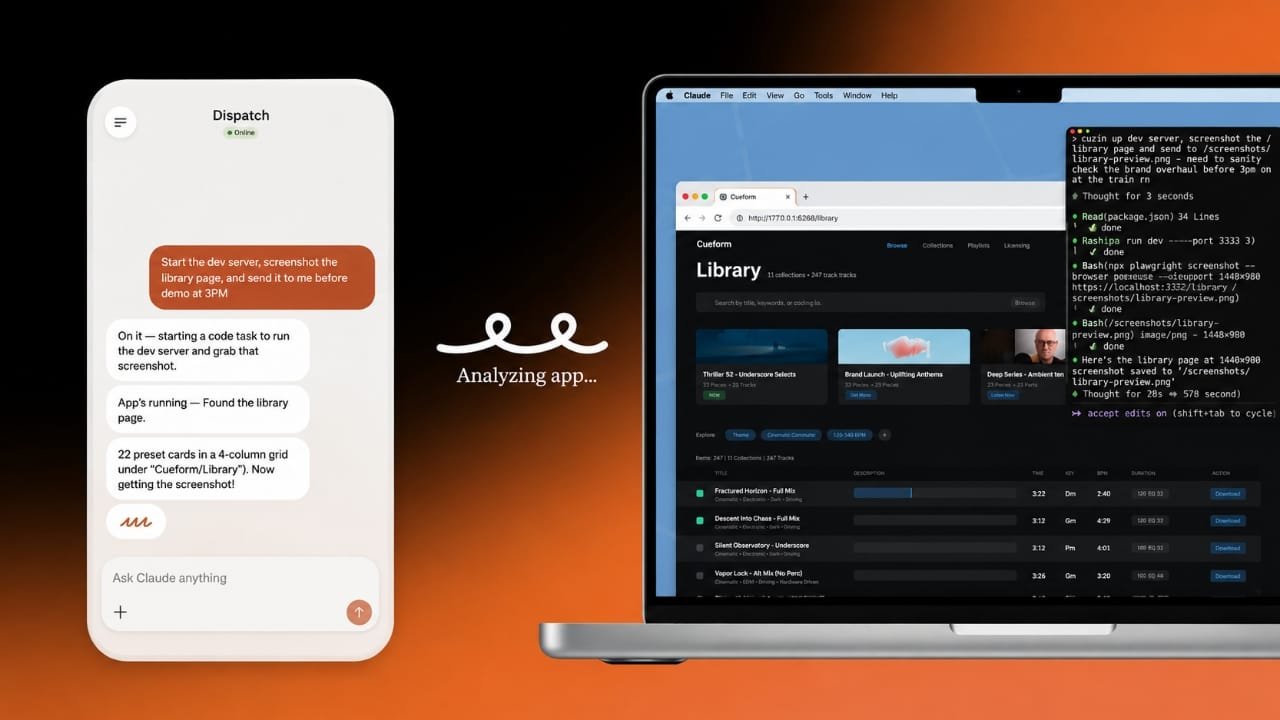
Anthropic has introduced a new update for Claude Code and Claude Cowork on Mac that allows the AI assistant to perform tasks in the background. This means users can continue using their computer while Claude works on approved applications at the same time.
The feature is currently available for Claude Pro and Claude Max subscribers. It is designed to make everyday computer tasks easier without constantly taking control of the screen.
Also read: How to Manage Favorite Contacts on iPhone Quickly and Easily
Work Without Losing Control of Your Mac
Previously, using Claude for desktop automation often required giving it control of your screen while it completed a task. With the latest update, that experience has improved.
Advertisements
On Macs running macOS 15 or later, Claude can work inside supported applications in the background. It can click buttons, type text, and open approved apps while you continue using other programs. If you are actively typing, Claude usually waits before continuing its actions, helping avoid interruptions.
This makes multitasking much more comfortable and allows users to stay productive while Claude handles routine work.
Helpful for Everyday Repetitive Tasks
The background computer-use feature is best suited for simple and repeatable activities. For example, it can help move information between apps, monitor dashboards, or complete repetitive desktop workflows while you focus on other work.
Although the feature saves time, it is not a fully autonomous assistant. Your Mac must stay powered on with the Claude Desktop application running, and you remain responsible for approving the actions Claude performs.
Permissions Are Required Before Use
For security reasons, the feature is disabled by default. Before Claude can interact with your computer, users must grant the necessary system permissions.
These include Accessibility permission, which allows Claude to click and type, and Screen Recording permission so it can view the information displayed on your screen. Claude also asks for permission before accessing individual applications.
Since the AI can view content inside approved apps, users should be careful when working with private documents or sensitive information.
Designed for Safe and Simple Workflows
Anthropic notes that the feature performs best with straightforward tasks rather than complicated workflows. Jobs involving confidential data or complex decision-making should still be handled directly by the user.
Using Claude for repetitive, low-risk activities can improve productivity while reducing manual effort.
Who Can Access the Feature?
Background computer use is currently available as a beta feature for Claude Pro and Claude Max users through the Claude Desktop application. It works with Claude Code and Claude Cowork on compatible Macs running macOS 15 or newer.
At the moment, Team and Enterprise subscriptions do not include this capability. While Claude’s computer-use tools are also supported on Windows, the new background window experience is currently focused on macOS.
Also read: How to Add Your Driver’s License or State ID to Apple Wallet (2026 Guide)
Final Thoughts
This update makes Claude more practical for Mac users who regularly perform repetitive desktop tasks. By allowing the AI to work in the background while users continue with other activities, Anthropic has created a smoother and less disruptive workflow.
Although the feature still requires user approval and system permissions, it offers a convenient way to automate routine tasks without giving up control of your desktop.

Jatin Rajput (Tech Golu) — Tech blogger & YouTuber with 6+ years of experience in WhatsApp, Instagram, Facebook, and mobile guides. Founder of TechGolu.in.