Most smartphone users protect their devices with security options such as PIN codes, pattern locks, fingerprints, or face recognition. Since our phones often contain personal photos, documents, messages, and other private information, keeping them secure is very important.
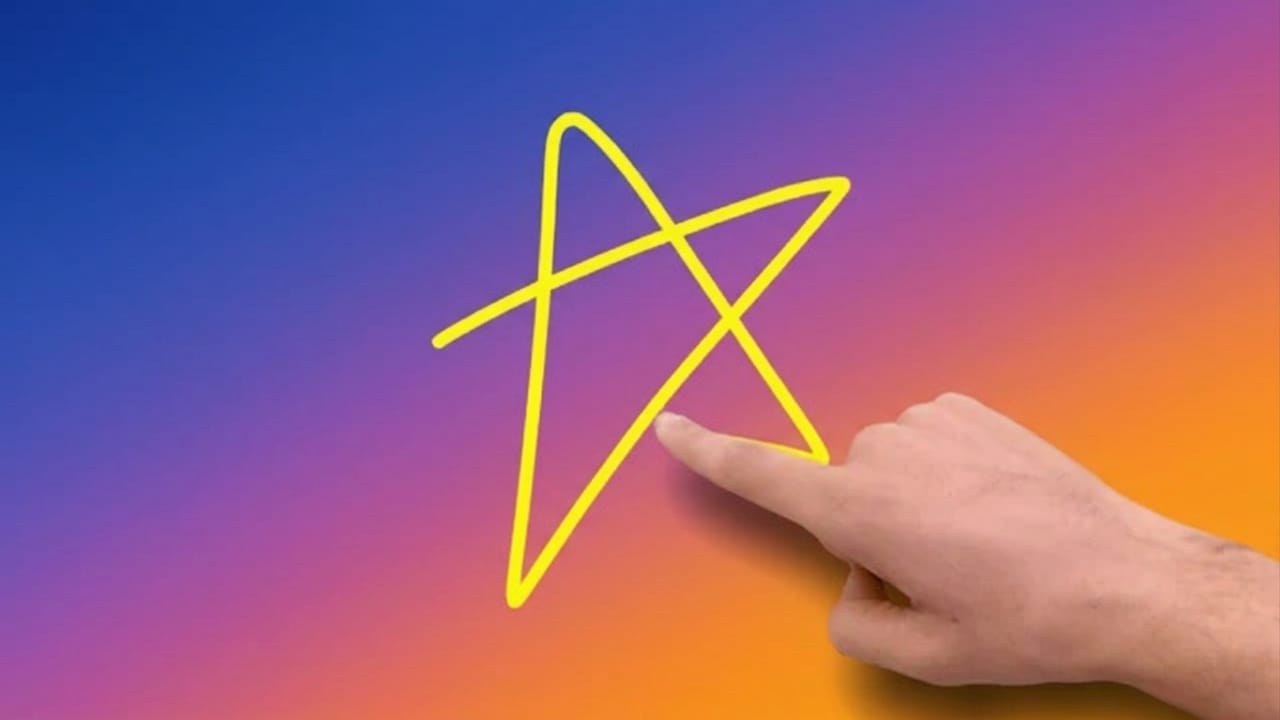
If you are looking for a different and more personalized way to lock your phone, a Gesture Lock Screen can be a great option. Instead of entering a PIN or drawing a standard pattern, you can unlock your device by drawing a custom gesture of your choice. This gesture can be a letter, symbol, number, shape, or any design that is easy for you to remember.
Also read: Computer Launcher for Android: Turn Your Phone Into a Desktop-Style Experience
What Is a Gesture Lock Screen?
A Gesture Lock Screen is a security feature that allows users to unlock their phones by drawing a custom gesture on the screen. Rather than using traditional lock methods, you can create your own unique drawing and use it as a password.
For example, you might draw the first letter of your name, a simple symbol, or a special shape that only you know. This makes the lock screen feel more personal and interesting to use.
Key Features of Gesture Lock Screen
1. Unlock Using Custom Gestures
You can create your own gesture and use it to unlock your phone quickly. It offers a different experience compared to regular PINs and patterns.
2. Invisible Gesture Mode
Many gesture lock apps include an option to hide the gesture while drawing it. This helps prevent others from seeing your unlock method.
3. Enhanced Security
The app can detect incorrect unlock attempts and provide additional security measures to help protect your device from unauthorized access.
4. Backup PIN Support
If you forget your gesture password, you can use a backup PIN to regain access to your phone.
5. Lock Screen Customization
Users can personalize the lock screen by changing wallpapers, gesture styles, and other visual settings according to their preferences.
6. Intruder Detection
Some gesture lock apps can capture a photo when multiple incorrect unlock attempts are made. This feature helps users identify who tried to access their device.
7. Easy-to-Use Interface
Most gesture lock applications are designed with a simple layout, making them easy to use even for beginners.
Benefits of Using a Gesture Lock Screen
Fast and Convenient
Unlocking your phone with a simple gesture can be quick and comfortable, especially when compared to entering a long PIN.
Personalized Security
Since you create your own gesture, it can be more unique and harder for others to guess.
Better Customization
You are free to choose a gesture that suits your style and preference, making the lock screen more personal.
Useful for Families
Children may easily notice simple PINs or patterns, but a custom gesture can add an extra layer of privacy.
How to Set Up a Gesture Lock Screen
Step 1: Install a Gesture Lock App
Download a trusted Gesture Lock Screen application from the Google Play Store and install it on your device.
Step 2: Create Your Gesture
Open the app and draw a unique gesture that you will use as your unlock password.
Step 3: Set a Backup PIN
Create a backup PIN so you can access your phone if you ever forget the gesture.
Step 4: Customize the Lock Screen
Choose a wallpaper, adjust gesture settings, and personalize the appearance of the lock screen.
Step 5: Configure Security Options
Review the available security settings, such as intruder detection and incorrect attempt limits, and enable the features you need.

Also read: Best Lighter Simulator App for Android: Enjoy Virtual Flames and Concert Effects
Final Thoughts
Traditional lock methods like PINs, patterns, fingerprints, and face unlock work well, but some users may want a more personalized experience. Gesture Lock Screen apps offer a creative alternative by allowing you to unlock your phone with a custom drawing.
In addition to making your phone feel more unique, these apps often include useful security and customization features. If you enjoy trying different Android personalization options, a Gesture Lock Screen may be worth exploring.
Always download apps from trusted sources and review their permissions before installing them on your device.

Jatin Rajput (Tech Golu) — Tech blogger & YouTuber with 6+ years of experience in WhatsApp, Instagram, Facebook, and mobile guides. Founder of TechGolu.in.