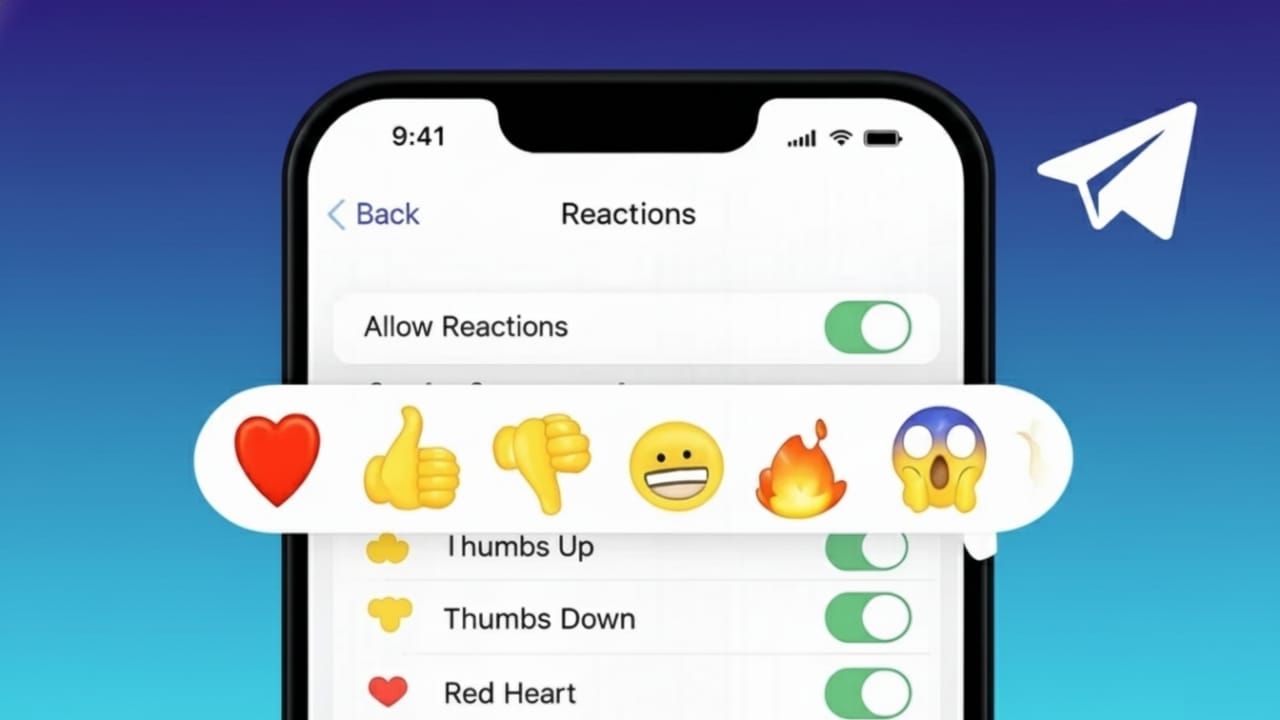
Telegram lets you react to messages using emojis, so you don’t always have to type a reply. With a single tap, you can show agreement, appreciation, or a feeling. This makes chats quicker and more enjoyable, especially in busy groups and channels.
If you have never used message reactions before, don’t worry. This guide explains everything clearly and step by step.
Also read: How to Use Edge Light on Mac to Get Better Lighting in Video Calls
What Message Reactions Mean on Telegram
Message reactions allow you to respond to a message using an emoji instead of sending a new text. The emoji appears just below the message, and everyone in the chat can see it.
This feature is very helpful in group conversations and channels where too many replies can make chats messy. Reactions let people respond without interrupting the discussion.
Telegram supports standard emojis in most chats. Some groups and channels may also allow special or custom emojis.
How to Add a Reaction on Telegram
Reacting to a message is simple and works almost the same on all devices.
On Android and iPhone
- Open the Telegram app
- Enter any private chat, group, or channel
- Press and hold the message you want to react to
- A list of emojis will appear
- Tap the emoji you like
Your reaction will show immediately below the message.
On Desktop or Web Version
- Open Telegram Desktop or Telegram Web
- Move your cursor over a message
- Click the emoji or reaction option
- Choose an emoji
The reaction is added instantly.
How to Edit or Remove a Reaction
You are not stuck with one reaction. Telegram lets you change or remove it anytime.
- To change your reaction, select another emoji
- To remove it, tap or click the same emoji again
No extra message is sent. The update happens right away.
Using Custom Emoji Reactions
Some chats offer more than just basic emojis. In certain channels and premium groups, Telegram allows custom reactions.
These may include:
- Animated emojis
- Emojis created for a specific channel
- Premium emoji collections
If custom reactions are available, you will see additional emoji options when reacting to a message.
Managing Reactions in Groups and Channels
Admins and channel owners can control how reactions work in their chats.
They can choose to:
- Turn reactions on or off
- Allow only selected emojis
- Limit users to one reaction per message
These controls help keep large chats clean and prevent unnecessary emoji spam.
Why Telegram Message Reactions Are Helpful
Message reactions make conversations smoother and faster. They are useful because:
- You can respond without typing
- Group chats stay cleaner
- Channel engagement increases
- Feelings and opinions are shared quickly
In active groups, reactions save time and reduce clutter.
Problems You May Face With Reactions
If you cannot see the reaction option, here are a few things to check:
- Make sure your Telegram app is updated
- Reactions might be turned off in that chat
- Some older chats may not support reactions
In most cases, updating the app solves the issue.
Also read: How to Lower Chrome RAM Usage and Improve Browsing Speed
Final Words
Telegram message reactions are a simple but powerful feature. They help you reply faster, keep chats organized, and express emotions without extra messages.
Whether you are chatting privately, participating in a group, or following a channel, reactions make communication easier. Once you start using them, they quickly become a natural part of your Telegram experience.

Jatin Rajput (Tech Golu) — Tech blogger & YouTuber with 6+ years of experience in WhatsApp, Instagram, Facebook, and mobile guides. Founder of TechGolu.in.