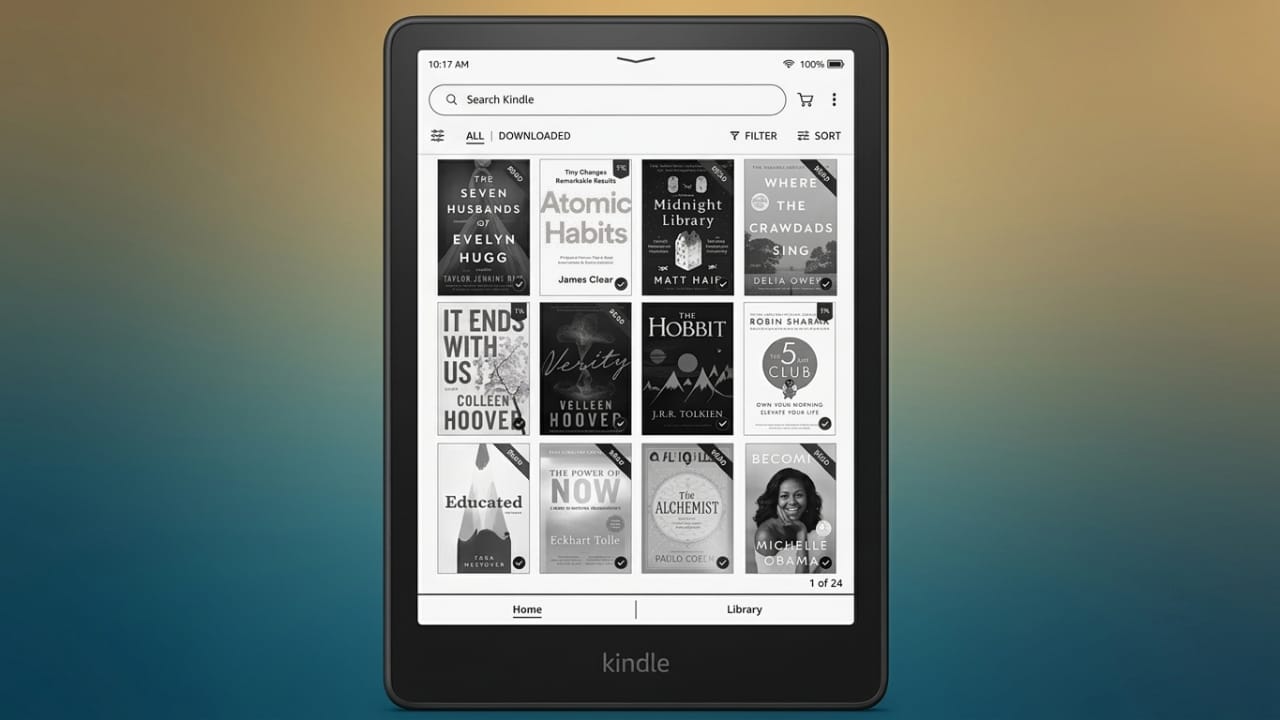
If you’re planning to buy a Kindle, one of the first questions you may have is how many books it can hold. The good news is that even the basic Kindle has enough space for a huge digital library. For most readers, running out of storage is very unlikely.
Also read: Best Android Volume Customization App with Neon RGB Effects
Kindle Storage Options
Amazon offers Kindle devices with different storage capacities to suit different reading needs. Depending on the model, you can find:
- 4GB (older models)
- 8GB
- 16GB
- 32GB
- 64GB (available on selected Kindle Scribe models)
Keep in mind that the full storage is not available for your files because the Kindle’s operating system uses a small portion of the space. For example, a 16GB Kindle provides roughly 15GB for your books and documents.
Advertisements
How Many Books Can a 16GB Kindle Hold?
Most eBooks are surprisingly small. A typical text-only novel usually takes around 1–2MB of storage.
With about 15GB of usable space, a 16GB Kindle can store approximately:
- Around 7,500–8,000 larger text-based books
- Up to 15,000 smaller eBooks
This is more than enough for the average reader. Even people who read regularly often never come close to filling their Kindle.
Why Storage Needs Can Vary
The amount of storage you need depends on the type of content you download.
Text-Only Books
Regular novels and non-fiction books use very little space, making them ideal for any Kindle model.
Comics and Graphic Novels
Books with colorful illustrations and detailed images are much larger than standard eBooks. A single comic or graphic novel may use anywhere from 32MB to 160MB, depending on its size and image quality.
If you mainly read comics or manga, choosing a Kindle with more storage can be a smart decision.
Audiobooks
Audiobooks require much more storage than eBooks. A downloaded audiobook can use around 30MB for every hour of audio, so longer titles take up significantly more space.
To save storage, you can:
- Download only the audiobooks you’re currently listening to.
- Remove finished titles from your device.
- Stream audiobooks whenever you have an internet connection.
File Formats Supported by Kindle
Kindle devices support several file formats, including:
- AZW
- AZW3 (Kindle Format 8)
- TXT
- MOBI (unprotected)
- PRC
- HTML
- DOC
- DOCX
- JPEG
- GIF
- PNG
- PMP (after conversion)
- Audible AAX
This wide compatibility makes Kindle useful not only for reading books but also for viewing documents and other supported files.
If you use the Kindle app on a phone or tablet, the available storage depends on your device’s internal storage.
Which Kindle Storage Option Is Best?
The right choice depends on what you read.
- Mostly novels and regular books: A 16GB Kindle is enough for most people.
- Comics, manga, or image-heavy books: A 32GB model offers extra room for larger files.
- Large audiobook collections or extensive libraries: A 64GB Kindle Scribe provides the most storage.
The Kindle Paperwhite Signature Edition includes 32GB of storage, making it a good option for readers who want extra space without worrying about managing storage often.
Easy Storage Tips
Even if your Kindle starts filling up, managing storage is simple.
- Delete books you’ve already finished.
- Download titles again anytime from your Amazon library.
- Keep only the books you’re currently reading on your device.
Since your purchased books remain linked to your Amazon account, you can re-download them whenever you need them.
Also read: Battery Charging Animation App: Add Stylish 3D Effects to Your Android Charging Screen
Final Thoughts
A Kindle can store far more books than most people will ever read. For readers who mainly enjoy text-based eBooks, a 16GB model is usually more than enough. If you prefer comics, graphic novels, or audiobooks, choosing a larger storage option can make your reading experience more convenient.
By selecting the right storage size for your reading habits, you can enjoy a well-organized digital library wherever you go.

Jatin Rajput (Tech Golu) — Tech blogger & YouTuber with 6+ years of experience in WhatsApp, Instagram, Facebook, and mobile guides. Founder of TechGolu.in.