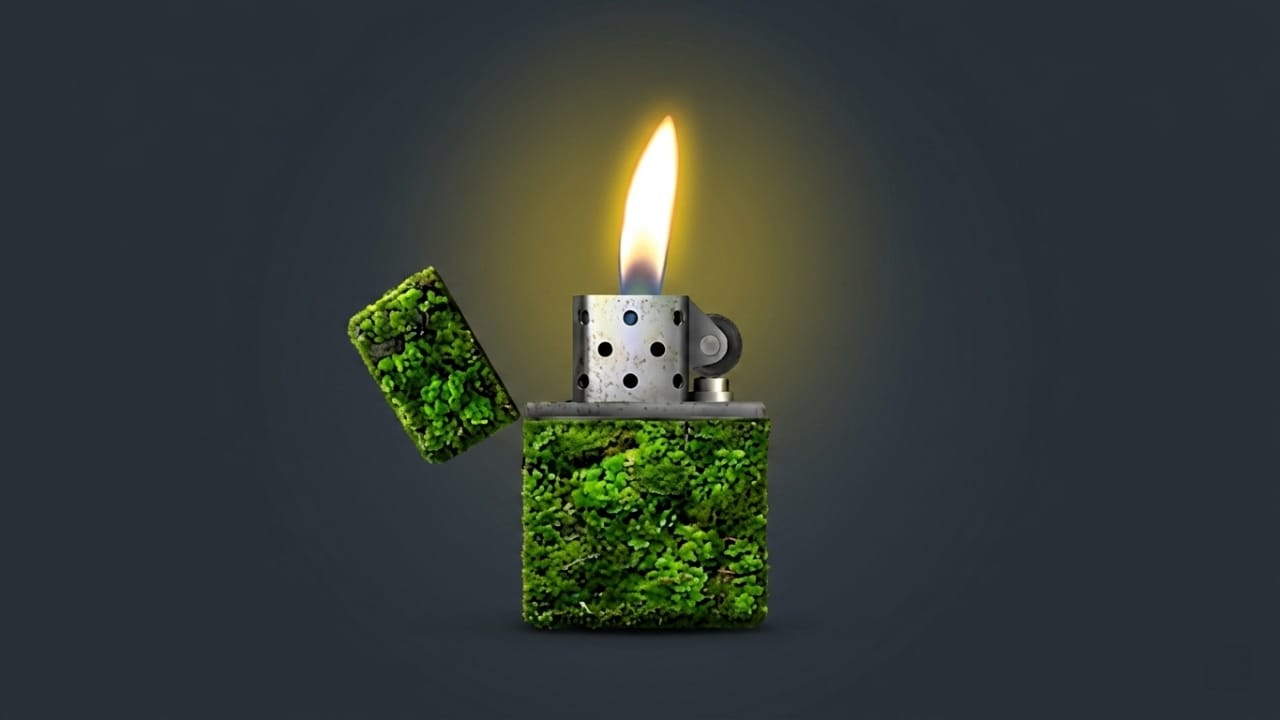
Smartphones are packed with entertaining apps, but some simple ideas become surprisingly popular among users. One example is a lighter simulator app that turns your Android phone into a virtual lighter with realistic flame effects and interactive animations.
These apps are often used during concerts, parties, gatherings, and social media content creation. Instead of carrying a real lighter, users can display a virtual flame on their phone screen and enjoy a fun, safer alternative.
Also read: Designer Tools Pro App: A Handy Tool for Mobile UI Designers
What Is a Lighter Simulator App?
A lighter simulator app is designed to recreate the appearance and behavior of a real lighter on your smartphone. With realistic flame animations, sound effects, and motion-based interactions, it provides an engaging visual experience.
Many people use these apps for entertainment, while others enjoy them during music events or while creating videos for social media platforms.
Why Are Lighter Simulator Apps Popular?
The popularity of virtual lighter apps has grown because they offer a simple yet enjoyable experience. They are easy to use and provide realistic visual effects without requiring any physical lighter.
Some common features include:
- Realistic flame animations
- Interactive concert mode
- Multiple flame colors
- Sound effects for added realism
- Fun experiences to share with friends
Content creators also use these apps in short-form videos, making them a trending category among mobile entertainment apps.
Concert Mode: Bring the Concert Experience to Your Phone
One of the most appealing features of many lighter simulator apps is Concert Mode. Traditionally, concert audiences would raise lighters during emotional songs. Today, smartphone apps offer a digital alternative.
When Concert Mode is enabled, users may enjoy:
- Animated flame effects on the screen
- Motion-responsive flame movement
- Enhanced visuals in dark environments
- A more immersive experience while listening to music
This feature is especially enjoyable when used with friends during gatherings or music sessions.
Realistic Flame Effects
The flame animation is often the highlight of these apps. Developers focus on creating detailed visual effects that mimic the movement of a real flame.
Typical features include:
- High-quality flame animations
- Smooth movement effects
- Realistic lighter sounds
- Motion detection support
- Detailed lighter designs
When the phone is tilted or gently moved, the flame animation may react accordingly, making the experience feel more interactive.
Customization Options
Many lighter simulator apps allow users to personalize the appearance of their virtual lighter.
Popular customization options may include:
- Gold-themed lighter designs
- Neon-style flames
- Blue flame effects
- Vintage lighter appearances
- Dark mode themes
Some apps also provide dozens of lighter styles and flame color combinations, allowing users to choose a design that matches their preferences.
Smooth Performance on Android Devices
A good lighter simulator app is usually lightweight and optimized for a wide range of Android devices. Even users with entry-level smartphones can often enjoy a smooth experience.
Advantages may include:
- Low battery usage
- Fast loading times
- Responsive controls
- Easy-to-use interface
- Small installation size
Because these apps are generally simple, they can run efficiently without requiring powerful hardware.
Useful for Social Media Content
Visual effects play an important role in modern content creation. Many creators use lighter simulator apps as a creative element in videos and short clips.
Possible uses include:
- Concert-themed content
- Music-related videos
- Cinematic visual effects
- Creative background scenes
- Entertainment-focused social media posts
While the app itself does not create viral content, it can add an interesting visual touch to videos.
Easy to Use
Most lighter simulator apps are designed with simplicity in mind.
A typical process looks like this:
- Download the app from the Google Play Store.
- Launch the application.
- Choose a lighter style or theme.
- Tap the screen to activate the flame.
- Move or tilt the phone to see interactive effects.
The straightforward design makes the app accessible for users of all experience levels.
What Makes It Different?
Although there are many lighter simulator apps available, some stand out due to a combination of features.
Common reasons users prefer certain apps include:
Realistic Effects
Detailed animations and sound effects help create a more authentic experience.
Concert-Inspired Features
Special modes designed for music events add extra entertainment value.
Personalization
Multiple themes, colors, and lighter styles offer greater flexibility.
Lightweight Design
Efficient performance makes the app suitable for a variety of Android devices.
Entertainment Value
It provides a fun and interactive experience for casual users.
Battery Consumption
Many users wonder whether animation-based apps drain battery quickly. In most cases, lighter simulator apps are optimized for reasonable power usage.
However, keeping the screen active for extended periods will naturally consume battery. Using the app occasionally is unlikely to have a major impact on overall battery life.
Is It Safe to Use?
Downloading apps from trusted sources is always recommended. If a lighter simulator app is installed from the official Google Play Store, it is generally safer than downloading from unknown sources.
Before installing any app:
- Check user ratings and reviews
- Review requested permissions
- Verify the developer information
These simple steps can help users make informed decisions.
Who Might Enjoy This App?
Lighter simulator apps are designed mainly for entertainment purposes and can appeal to a wide range of users.
They may be especially interesting for:
- Music fans
- Concert enthusiasts
- Social media creators
- Android customization lovers
- Casual entertainment app users
Anyone looking for a fun and interactive mobile experience may find these apps enjoyable.

Also read: Licowa AI Photo Editor: A Versatile App for Photo Editing, Live Wallpapers, and Collages
Final Thoughts
A lighter simulator app offers a simple yet entertaining way to enjoy realistic virtual flame effects on an Android device. Features such as concert-inspired modes, customization options, and interactive animations make the experience more engaging.
Whether you want a creative visual effect for social media content or simply a fun app to explore, a lighter simulator can provide an enjoyable digital alternative to a traditional lighter. As always, download apps from trusted sources and use them responsibly.

Jatin Rajput (Tech Golu) — Tech blogger & YouTuber with 6+ years of experience in WhatsApp, Instagram, Facebook, and mobile guides. Founder of TechGolu.in.