Smartphones have become much more than devices for making calls. We use them for chatting, social media, work, and entertainment every day. Since most of these activities involve typing, having a comfortable and attractive keyboard can make a noticeable difference.
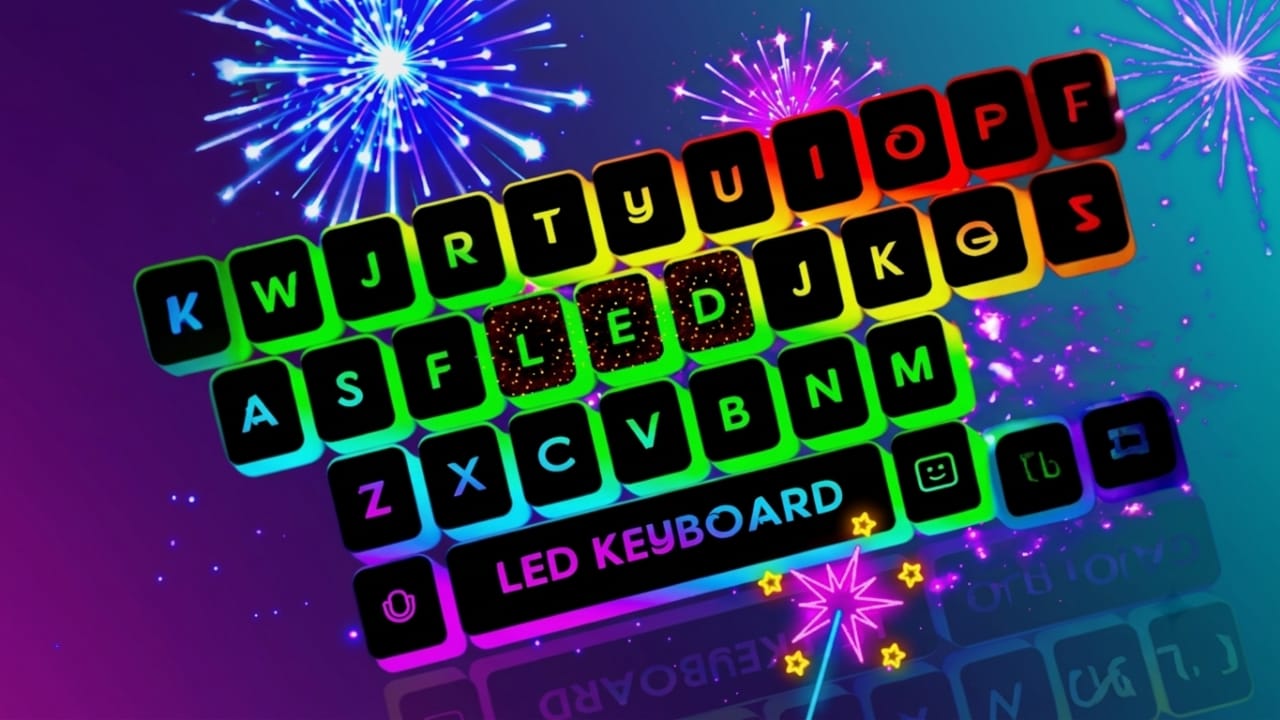
LED Keyboard – Colorful Lighting Edge RGB Keyboard is an Android keyboard app that combines colorful visual effects with useful typing features. It offers a fresh look while keeping the typing experience smooth and easy to use.
Also read: Comfer Launcher Review: A Simple Android Launcher Built for Speed and Privacy
What Is LED Keyboard – Colorful Lighting Edge RGB Keyboard?
LED Keyboard is a customization app that replaces your phone’s default keyboard with a colorful design. It includes RGB lighting effects, stylish themes, customizable backgrounds, and practical typing tools.
Whether you enjoy customizing your phone or simply want a more modern-looking keyboard, this app provides several options to match your style.
Eye-Catching RGB Lighting
One of the main highlights of this keyboard is its animated RGB edge lighting. As you type, colorful lighting effects appear around the keyboard, creating a vibrant and modern appearance.
Users can also adjust the lighting style, colors, and animation speed to create a look they like.
Large Collection of Themes
The app includes a wide variety of keyboard themes for different preferences. Popular options include:
- Dark themes
- Neon designs
- Gradient colors
- Galaxy-inspired backgrounds
- Nature themes
- Gaming-style keyboards
You can even use your own photo as the keyboard background to make the design more personal.
Smooth and Responsive Typing
A stylish keyboard should also perform well. This app is designed to provide smooth typing with quick response times, making it suitable for everyday messaging, emails, and note-taking.
Helpful Typing Features
To improve typing accuracy and speed, the keyboard includes useful features such as:
- Auto-correction for common spelling mistakes
- Word prediction to suggest the next word while typing
- Fast and responsive key input
These tools can help reduce typing errors and make everyday communication more convenient.
Support for Multiple Languages
The keyboard supports several languages, making it useful for people who regularly type in more than one language. It includes support for languages such as English, Hindi, Bengali, and others, depending on the app version.
Emojis, GIFs, and Stickers
Modern conversations often include more than just text. This keyboard offers access to a large collection of emojis, GIFs, and stickers that can be used in many popular messaging and social media apps.
Battery Performance
Although the keyboard includes animated lighting effects, users can adjust or reduce these effects if they prefer to save battery. Performance may vary depending on the device and the settings you choose.
Privacy and Security
Privacy is an important consideration when choosing a keyboard app. Before using any keyboard, it is always a good idea to review its privacy policy and app permissions to understand how your information is handled.
Who May Like This Keyboard?
This app may be a good choice for:
- Users who enjoy colorful keyboard designs
- People who like customizing their phones
- Content creators and social media users
- Mobile gaming enthusiasts
- Anyone looking for a fresh alternative to the default keyboard

Also read: NoVolume App Review: Give Your Phone a Stylish New Volume Slider
Final Thoughts
LED Keyboard – Colorful Lighting Edge RGB Keyboard offers a combination of stylish themes and practical typing features. With RGB lighting, customizable backgrounds, multiple themes, emoji support, and helpful typing tools, it can give your phone a more personalized look.
If you enjoy customizing your smartphone and want a keyboard with modern visual effects, this app may be worth exploring. Before installing, check the app’s latest features, permissions, and user reviews to ensure it meets your needs.

Jatin Rajput (Tech Golu) — Tech blogger & YouTuber with 6+ years of experience in WhatsApp, Instagram, Facebook, and mobile guides. Founder of TechGolu.in.