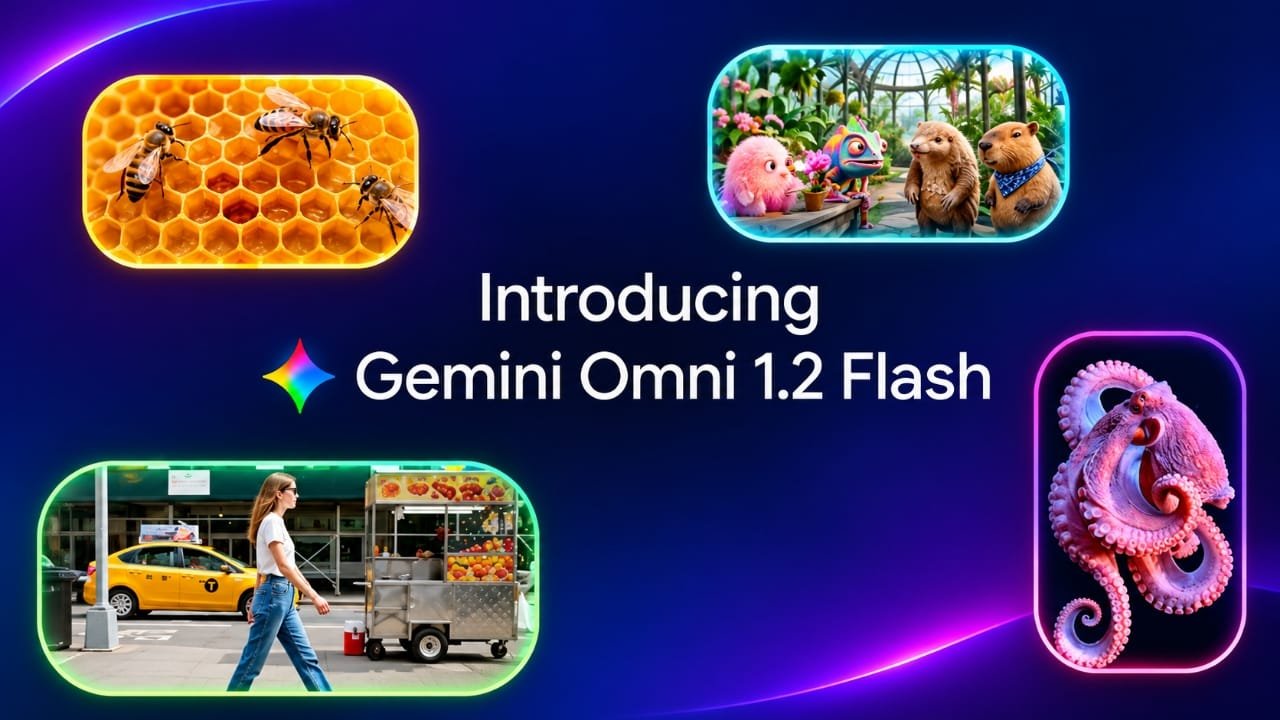
Google has introduced Gemini Omni 1.2 Flash, a new AI model designed for generating and editing short videos with audio. The model is now generally available and brings several changes over the previous version.
The biggest updates include support for videos up to 15 seconds, conversational editing through text instructions, improved consistency between scenes, and a lower 720p generation price.
Google announced the model on November 5, 2026. It is mainly aimed at developers, businesses, marketers, and creators who need to produce short videos for products, advertisements, social media, and other digital content.
Also read: How to Schedule Text Messages on iPhone and Send Them Later
Gemini Omni 1.2 Flash at a Glance
| Feature | Details |
|---|---|
| Release | November 5, 2026 |
| Video length | 3 to 15 seconds |
| Previous maximum | 10 seconds |
| Resolutions | 360p and 720p |
| Upscaling | Up to 1080p or 4K |
| Audio | Generated audio and dialogue |
| 720p API price | $0.07 per second |
| Model ID | gemini-omni-1.2-flash |
| Watermark | Invisible SynthID watermark |
What’s New in Gemini Omni 1.2 Flash?
Videos Can Now Be Up to 15 Seconds
One of the most noticeable changes is the longer video duration.
The previous Omni 1.1 Flash version supported clips of up to 10 seconds. With Omni 1.2 Flash, users can generate videos between 3 and 15 seconds, with the duration selectable in one-second increments.
This can be useful for advertising and social media content. A 15-second promotional video can potentially be created in one generation instead of combining multiple shorter clips.
Edit Videos Using Normal Chat Instructions
Google has also made video editing more conversational.
After generating a clip, users can describe the changes they want in everyday language. For example, they could ask the model to change the background, modify the lighting, replace a product, or adjust the camera perspective.
The idea is to make smaller corrections without having to create the entire video again. According to Google, the model is designed to preserve parts of the original scene that were not included in the editing request.
This can make the workflow more convenient when only one element of a video needs to be changed.
Improved Characters, Products and Dialogue
Gemini Omni 1.2 Flash is also designed to follow image and video references more accurately.
This can help when a video needs to maintain the appearance of a particular product, character, or other visual element across different shots.
Google also highlights improvements to dialogue, lip synchronization, and handling multiple speakers. However, some audio-reference features are currently restricted to approved accounts.
Gemini Omni 1.2 Flash Pricing
Google has announced a 720p API price of $0.07 per second.
At that rate, generating a 15-second 720p video would cost approximately $1.05 before any applicable charges or pricing changes.
| Quality | Approx. price per second | Approx. cost for 15 seconds |
|---|---|---|
| 720p | $0.07 | $1.05 |
| 1080p upscaled | About $0.104 | About $1.56 |
| 4K upscaled | About $0.209 | About $3.14 |
The 720p rate is the headline price announced by Google. The higher-resolution figures can vary depending on how the video is processed and the pricing structure being used, so developers should check Google’s current pricing information before estimating production costs.
There is also no free API tier for this model.
Where Can You Use Gemini Omni 1.2 Flash?
The model can be accessed through several Google products and developer services, depending on eligibility.
- Gemini app: Available to eligible Google AI Ultra subscribers.
- Google Vids: For video creation and editing workflows.
- Flow: For AI-powered video production.
- Google Ads: For creating video advertising content.
- Gemini API: For developers building their own applications.
- Google AI Studio: For experimenting with Google’s AI models.
- Google Cloud: For business and developer use through Google’s cloud services.
Availability can differ by product, subscription, country, and account type.
What About India?
Earlier versions of Gemini Omni Flash are already available in the Gemini app for eligible Google AI subscribers in India.
For Omni 1.2 Flash specifically, availability in the Gemini app may depend on the account and rollout status. Developers in India can also access the model through Google’s developer and cloud platforms where the model is supported.
Companies Already Using the Model
Google has highlighted several companies using its video-generation technology.
Photoroom uses the model for features such as its Video Ad Maker and Product Animator. QuickFrame AI has also highlighted the use of longer video generations for advertising workflows.
Other companies mentioned by Google include Picsart, Artlist, invideo, Krea, and FLORA.
These examples show where the technology may be useful, particularly for marketing teams and businesses producing a large number of short videos.
Important Limitations
Although Gemini Omni 1.2 Flash brings several improvements, it is not perfect.
Google says challenging areas still include things such as very fast sports movements, rapid changes in scripts, and complicated physical interactions.
There are also restrictions around audio-reference inputs, with access limited to approved accounts in some cases.
Another important point is that performance claims from a product launch are generally based on Google’s own testing and selected partners. Independent testing and comparisons can provide a broader picture over time.
Every generated video also includes an invisible SynthID watermark, which is intended to help identify AI-generated content.
Things to Check Before Publishing AI Videos
Businesses should review AI-generated videos before using them publicly, especially when the content is being used for advertising.
Check the final video for:
- Incorrect product details
- Misspelled or distorted text
- Unnatural faces or movements
- Audio or dialogue problems
- Incorrect brand elements
- Unexpected changes between frames
- Copyright or usage issues involving reference material
If you upload images or other reference material, make sure you have the necessary rights to use those files.
Human review remains important even when the generation and editing process is automated.
Frequently Asked Questions
What is Gemini Omni 1.2 Flash?
Gemini Omni 1.2 Flash is Google’s AI model for generating and editing short videos with audio. It supports text-based video creation as well as conversational editing.
How long can Gemini Omni 1.2 Flash videos be?
Videos can be generated from 3 to 15 seconds in length. The previous Omni 1.1 Flash version supported videos of up to 10 seconds.
How much does Gemini Omni 1.2 Flash cost?
The announced API price for 720p video is $0.07 per second. A 15-second clip therefore costs roughly $1.05 at that rate.
Can I use Gemini Omni 1.2 Flash in India?
Can I use Gemini Omni 1.2 Flash in India?
Developers can use the model through supported Google developer and cloud services. Availability inside the Gemini app depends on Google’s rollout and the user’s subscription and account eligibility.
Also read: How to Set Up Medical ID on iPhone and Why You Should Use It
Final Thoughts
Gemini Omni 1.2 Flash is a significant update for Google’s AI video-generation tools. The ability to create clips up to 15 seconds, make changes through natural-language instructions, and generate more consistent audio and visual content could make short-form video production easier.
The lower 720p price is another useful change for developers and businesses producing videos at scale.
However, AI-generated content still needs human review. Businesses should verify every important detail before publishing a video, particularly when it is being used for advertising or represents a real product or brand.

Jatin Rajput (Tech Golu) — Tech blogger & YouTuber with 6+ years of experience in WhatsApp, Instagram, Facebook, and mobile guides. Founder of TechGolu.in.