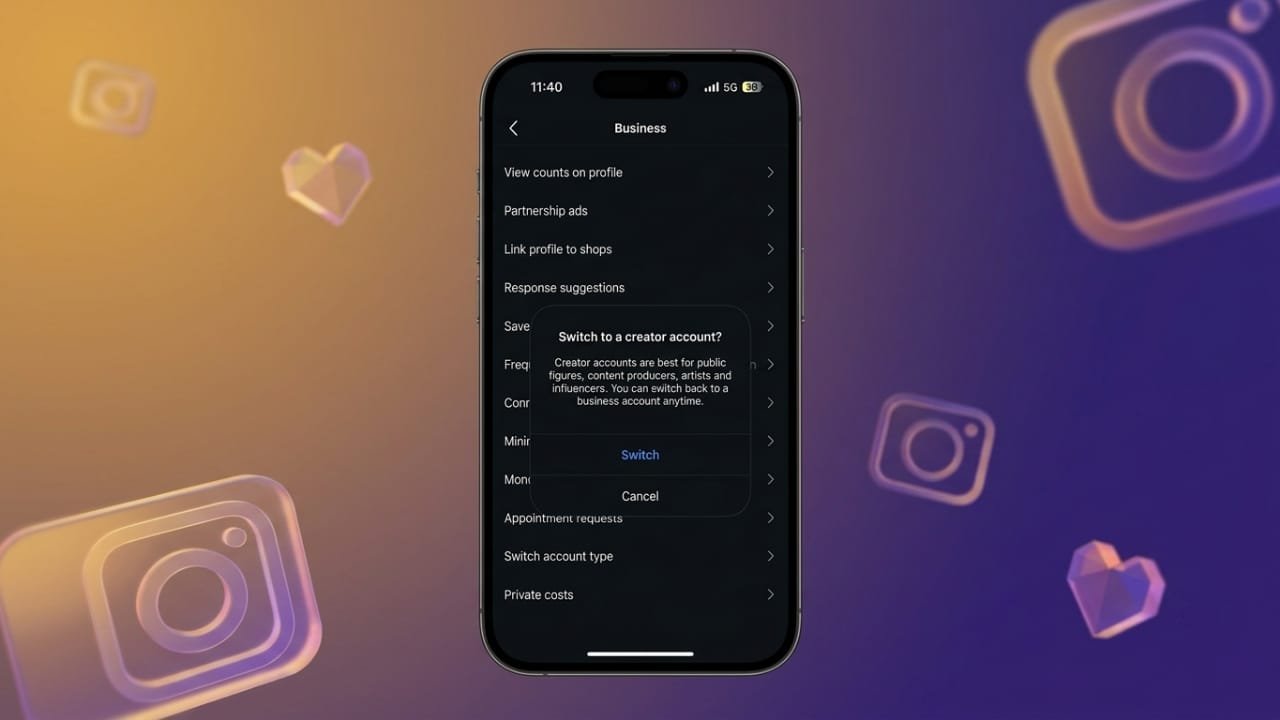
If you no longer need Instagram’s business tools, you can easily switch your account back to a personal one. Whether you created a business profile for your brand, side project, or content creation, changing it back takes only a few minutes.
In this guide, you’ll learn how to switch from a Business account to a Personal account, what changes after the switch, and whether you can return to a Business account later.
Also read: What Do Telegram Icons and Symbols Mean? A Simple Guide (2026)
What Is an Instagram Business Account?
An Instagram Business account is designed for companies, brands, and professionals who want access to marketing and growth tools. It offers extra features that help users manage their audience, promote content, and monitor account performance.
Advertisements
Some of the main features include:
- Detailed post and audience insights
- Options to promote posts and run ads
- Contact buttons for email, phone, or directions
- Access to Meta business features
- Shopping and product tagging (where available)
These tools are useful for businesses, but many everyday users don’t need them.
How to Switch from a Business Account to a Personal Account
Instagram doesn’t provide a separate option to disable a Business account. Instead, you simply change the account type back to Personal.
Method 1: Through the Professional Dashboard
- Open Instagram and go to your profile.
- Tap Professional Dashboard.
- Select the Settings icon.
- Scroll down and tap Switch account type.
- Choose Switch to Personal Account.
- Confirm your choice by tapping Switch.
Method 2: From Account Settings
- Open your Instagram profile.
- Tap the menu (☰) in the top-right corner.
- Go to Account type and tools under the For professionals section.
- Tap Account type.
- Select Switch account type.
- Choose Switch to Personal Account and confirm.
Your account will immediately return to a personal profile.
What Changes After Switching?
Changing your account type does not remove your content or followers. However, you will lose access to business-only features.
Features You Will Lose
- Instagram Insights and analytics
- Ad and promotion tools
- Contact buttons on your profile
- Professional Dashboard
- Other business management features
What Remains the Same
- All posts, reels, and stories
- Followers and following list
- Direct messages and conversations
- Your username and profile information
Your account simply becomes a standard personal Instagram account.
Why Switch Back to a Personal Account?
Many users decide to return to a personal profile for different reasons.
A Cleaner Experience
Business accounts include extra tools, notifications, and menus that may not be useful if you’re using Instagram for personal purposes.
Better Privacy
Personal accounts can be set to private, allowing you to decide who can view your posts and stories.
No Need for Analytics
If you’re not tracking engagement or promoting content, business insights may not provide any real benefit.
Can You Change Back to a Business Account Later?
Yes. You can switch from a Personal account to a Business account whenever you want. Instagram allows you to change your account type multiple times, so you’re free to choose the option that best fits your current needs.
Business Account vs. Personal Account
| Feature | Personal Account | Business Account |
|---|---|---|
| Best For | Personal use | Brands and businesses |
| Insights & Analytics | No | Yes |
| Ads & Promotions | No | Yes |
| Contact Buttons | No | Yes |
| Private Account Option | Yes | No |
| Shopping Features | No | Yes (where available) |
| Professional Dashboard | No | Yes |
| Category Label | No | Yes |
Also read: How to Use Ask Google Pay: Features, Setup, Supported Languages, and More
Final Thoughts
Switching from an Instagram Business account to a Personal account is simple and only takes a few taps. Your photos, videos, followers, and messages stay exactly as they are, while business tools like analytics and promotions are removed.
If you prefer a more private and distraction-free Instagram experience, changing back to a Personal account is a good option. And if your needs change in the future, you can always switch to a Business account again without creating a new profile.

Jatin Rajput (Tech Golu) — Tech blogger & YouTuber with 6+ years of experience in WhatsApp, Instagram, Facebook, and mobile guides. Founder of TechGolu.in.