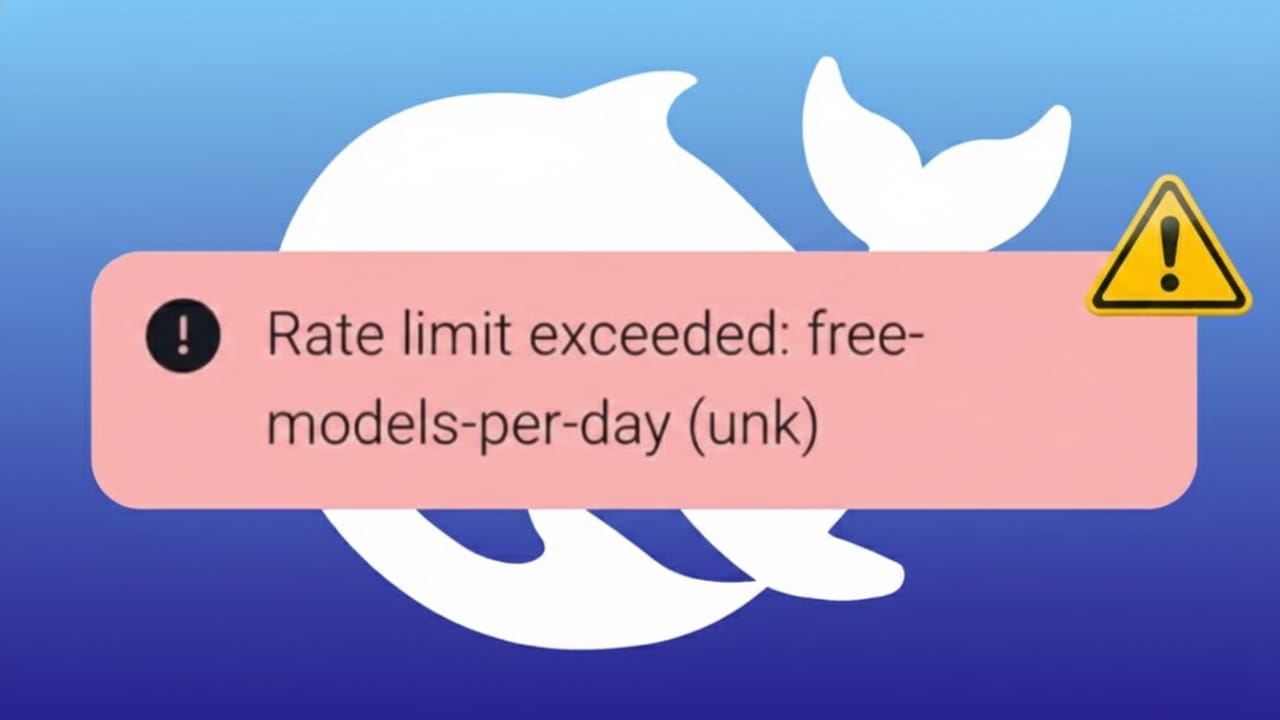
If you use DeepSeek for coding, research, or automation, you may sometimes see a message saying “Rate Limit Reached” or Error 429. This happens when too many requests are sent in a short time. The system pauses responses to keep everything running smoothly for all users.
The good news is that this issue is temporary and easy to manage once you understand why it appears and how to adjust your usage.
Also read: How to Reset the SMC on a Mac (Simple Guide for Intel and Apple Silicon)
Why DeepSeek Shows Error 429
DeepSeek controls traffic using flexible limits. There is no fixed number of requests per user. Instead, limits change based on overall traffic and how requests are sent.
Here are the most common reasons this error appears:
- Too many requests sent very quickly
- Very large prompts that need extra processing
- Image generation or heavy tasks during busy hours
- High platform traffic at peak times
Rate limiting protects servers from overload and prevents misuse. When limits are crossed, DeepSeek returns Error 429, which simply means “too many requests.”
Common Signs You’re Hitting Rate Limits
You may notice one or more of these signs:
- A message saying “rate limit reached”
- API responses returning error code 429
- Requests taking much longer than usual
- Some requests failing during peak hours
Catching these signs early helps reduce work interruptions.
Simple Fixes That Work for Most Users
These solutions are safe, effective, and easy to apply.
Slow Down Your Requests
Sending requests too fast is the most common cause.
- Add a small delay between requests (1–2 seconds)
- Avoid sending multiple calls at the same time
- Test slower request speeds until errors stop
Many API tools already support automatic request pacing.
Use a Retry Delay Method
When you receive Error 429, do not retry immediately.
- Wait one second before retrying
- Increase the wait time after each failed attempt
- Stop after a few retries instead of looping forever
This polite retry method reduces server pressure and improves success rates.
Shorten Your Prompts
Long prompts use more processing power.
- Remove extra words or repeated instructions
- Be clear and direct
- Avoid sending the same long prompt again and again
Smaller requests allow more usage over time.
Combine Tasks into One Request
Instead of sending many small requests:
- Group related tasks into a single prompt
- Ask for multiple outputs at once
- Plan requests carefully before sending
This reduces total API calls and improves efficiency.
Advanced Solutions for Heavy Usage
If you work with DeepSeek at a larger scale, these options help a lot.
Cache Repeated Responses
If you often send the same request:
- Save the response locally or in a database
- Check the cache before sending a new request
- Refresh cached data only when needed
Caching reduces duplicate calls and saves quota.
Upgrade Your DeepSeek Plan
Higher plans usually offer larger request limits.
- Review your usage in the dashboard
- Compare it with available plans
- Upgrade if your workload has grown
Some plans also provide temporary limit increases during high usage.
Use Multiple API Keys (If Allowed)
If your account supports it:
- Create additional API keys
- Rotate them evenly across requests
- Avoid sending all traffic through one key
This helps spread the load more evenly.
Monitor Usage to Avoid Future Errors
Regular monitoring prevents sudden interruptions.
Track Request Activity
- Check API logs frequently
- Identify unnecessary or repeated calls
- Remove unused features from your code
- Request only the data you really need
Setting alerts before reaching limits is a smart habit.
Contact DeepSeek Support
If the issue keeps happening:
- Visit the official support page
- Clearly explain your problem
- Mention what fixes you already tried
- Share logs or usage details if possible
Support teams can guide you or suggest adjustments.
About IP-Based Limits (Use Carefully)
Some limits may apply per IP address.
Proxies and VPNs
- Proxies and VPNs can change your visible IP
- This may help with IP-based restrictions
- Use only reliable and legal services
- Avoid frequent or aggressive switching
Heavy or abusive usage can still trigger limits, even with IP changes.
Important Notes on IP Rotation
- IP rotation does not remove account limits
- Excessive volume still causes throttling
- Warning messages or captchas mean you should slow down
- Always combine IP changes with request delays
Follow platform rules to avoid account issues.
Also read: How to Make Instagram Posts with Canva AI (Easy Beginner Guide)
Final Thoughts
The “Rate Limit Reached” error in DeepSeek is not a bug. It’s a protection system designed to keep the platform stable and fair.
In most cases, simply slowing down requests fixes the problem. Shorter prompts, batching tasks, and caching results make a big difference. For larger workloads, monitoring usage and upgrading plans helps maintain smooth performance.
Use DeepSeek thoughtfully, adjust your request habits, and you’ll avoid most rate limit issues without stress.

Jatin Rajput (Tech Golu) — Tech blogger & YouTuber with 6+ years of experience in WhatsApp, Instagram, Facebook, and mobile guides. Founder of TechGolu.in.