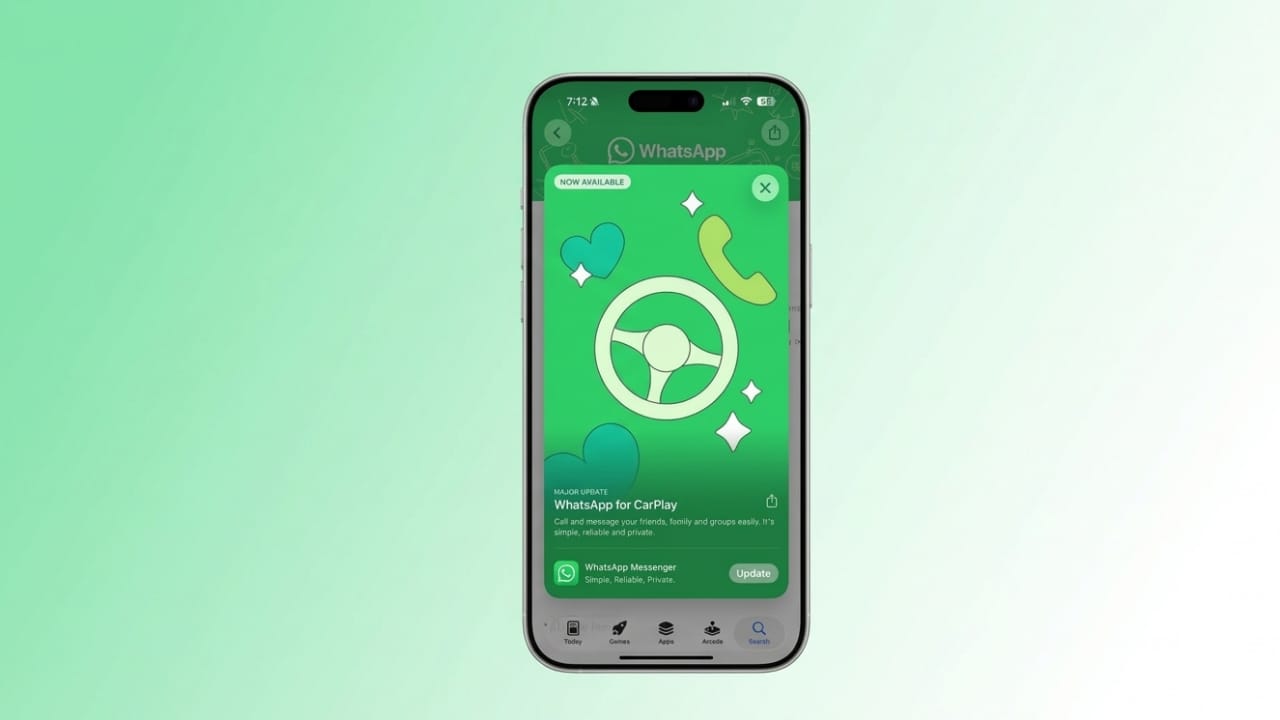
WhatsApp has introduced a new feature that allows it to run directly on Apple CarPlay. This means you can now access your messages, calls, and contacts right from your car’s screen. The update is designed to make communication easier and safer while driving.
Also read: How to Message on WhatsApp Without Saving a Number (Simple Official Way)
A Better In-Car Experience
Earlier, using WhatsApp in CarPlay mostly depended on voice commands through Siri. While it worked, it was not always smooth or convenient. With this new update, WhatsApp now has its own interface on the dashboard, making things more user-friendly.
The rollout started during beta testing and is now available to all users through the latest iOS version on the App Store.
Simple and Distraction-Free Design
The app is built with driving safety in mind. Instead of showing full chats, it focuses only on the most important features. The layout is clean and easy to use, so you can stay focused on the road.
Here’s what you’ll see:
- Recent Chats: Shows conversations with unread messages so you can quickly check updates.
- Call History: Displays missed, incoming, and outgoing calls, allowing you to return calls easily.
- Favorite Contacts: Lets you quickly contact people you talk to the most without scrolling through your entire list.
This limited setup helps reduce distractions while still keeping you connected.
What Makes It Different
Before this update, users had to rely almost entirely on voice commands to send messages or make calls. There was no way to see chats or access call details directly on the screen.
Now, the native app provides a clear and simple interface where you can view important information at a glance. It still supports voice control, but you don’t have to depend on it all the time.
Privacy Stays the Same
Even with this new feature, WhatsApp continues to use end-to-end encryption. This ensures that your messages and calls remain private and secure.
Also read: How to Fix WhatsApp Error 131026 (Message Not Delivered)
How to Use It
To get this feature, update WhatsApp to the latest version on your iPhone. Once updated, connect your phone to your car’s system, and the WhatsApp icon will appear automatically on your CarPlay dashboard.
This update makes WhatsApp more practical for daily use, especially for people who spend a lot of time driving. It keeps things simple, safe, and easy to access without unnecessary distractions.

Jatin Rajput (Tech Golu) — Tech blogger & YouTuber with 6+ years of experience in WhatsApp, Instagram, Facebook, and mobile guides. Founder of TechGolu.in.