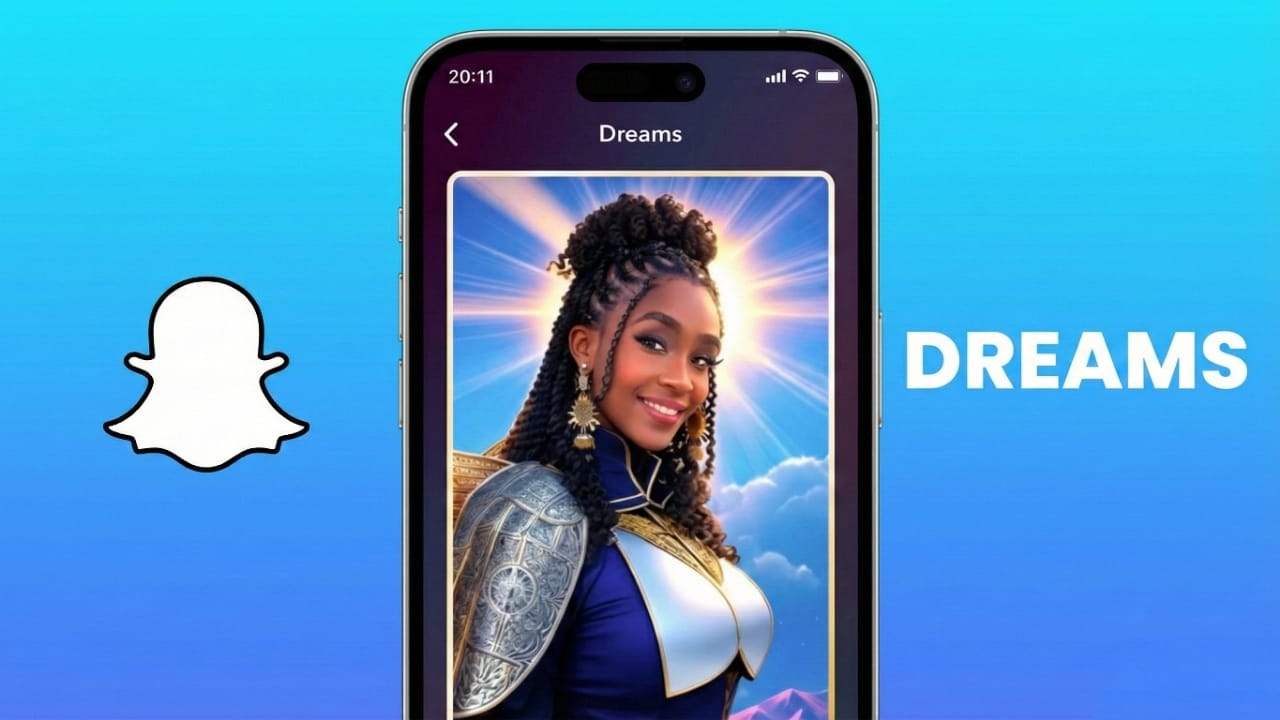
Snapchat has introduced a fresh AI-powered option called Dreams, and it’s getting a lot of attention for its fun and creative results. The tool takes your selfies and turns them into imaginative portraits that look like scenes from another world. Whether you want something cute, funny, or just surprising, Dreams gives you themed photos based on your face.
In this article, you’ll learn what Dreams is, how it works, how much it costs, and what the quality is really like.
Also read: How to Turn On Android Developer Options: Simple Guide for Indian Users
What Exactly Is Snapchat Dreams?
Dreams is an AI photo generation feature available inside Snapchat. Instead of applying real-time filters like the usual lenses, Dreams analyzes your selfies and produces stylized portraits from scratch. The result is usually eight images in a “pack,” each showing you in a different fantasy theme.
You might appear in a futuristic world, ancient era, space setting, or seasonal theme such as Christmas. Snapchat keeps releasing new themes occasionally, especially during holidays.
To create these portraits, you must upload a few selfies from different angles. The AI studies your face and then blends it into chosen backgrounds and costumes.
Pricing: Free and Paid Packs
Dreams is included in Snapchat Plus, and subscribers get:
- One free starter pack, and
- One free Dreams pack every month.
Free/non-Plus users can still try Dreams but must pay about $1 per pack. Although Snapchat claims everyone gets one free pack, many users say they were asked to pay immediately.
Some packs can even include two people in one portrait, but both users must allow the AI feature before the merge.
Why People Like Dreams
Unlike many AI generators that require detailed text prompts, Dreams only needs selfies and a chosen theme. That makes it beginner-friendly, especially for younger users.
Many people enjoy the portraits because:
- They look entertaining
- They are easy to share
- They help create funny profile photos
- They spark conversations among friends
Step-by-Step: How to Use Dreams
Using Dreams is simple:
- Open Snapchat and tap your Bitmoji at the top.
- Go to Settings, scroll, and choose AI selfies.
- Read the terms and tap Agree & Continue.
- Take several selfies showing your face clearly from different angles.
- If you want, add more pictures from your gallery.
- Snapchat analyzes them and prepares your Dreams pack.
- Choose a theme and unlock your portraits.
- Wait for processing (sometimes 20–30 minutes).
- You’ll get eight generated images once it’s done.
You can then:
- Save them to your device
- Share in chats and stories
- Upload them on Instagram, Facebook, or WhatsApp
Expected Quality: Honest Feedback
The output quality depends mainly on how clear your selfies are. Good pictures often lead to better AI results. Some portraits look realistic, while others appear slightly exaggerated, cartoonish, or stretched.
Common minor issues users notice:
- Unnatural hand shapes
- Strange facial proportions
- Slight distortions in smiles or posture
Many users treat Dreams as something fun rather than a tool for perfect professional art. The waiting time for packs also bothers some people, especially when the AI takes half an hour.
Snapchat Plus subscribers sometimes feel disappointed when they get repeated themes or average-looking packs. Free users may find it a bit costly if they want to try it regularly.
Alternatives and Final Thoughts
If Dreams doesn’t match your expectations, there are alternatives like Vana, which some say produces sharper results. But Dreams remains popular because everything happens inside Snapchat, without needing extra apps.
At the end of the day, Dreams is mostly about entertainment. It’s a quick way to see yourself in fantasy worlds, share funny moments with friends, and make eye-catching social media pictures.
Also read: How to Create Custom Gestures on Android Phones: Complete Beginner-Friendly Guide
Conclusion
Snapchat Dreams turns your selfies into themed portraits using AI. Some outputs look real, others look quirky, but most people use it simply for fun. It’s easy to use, beginner-friendly, and great for sharing online. Try different themes and enjoy the creativity, but don’t expect perfect artwork every time.

Jatin Rajput (Tech Golu) — Tech blogger & YouTuber with 6+ years of experience in WhatsApp, Instagram, Facebook, and mobile guides. Founder of TechGolu.in.