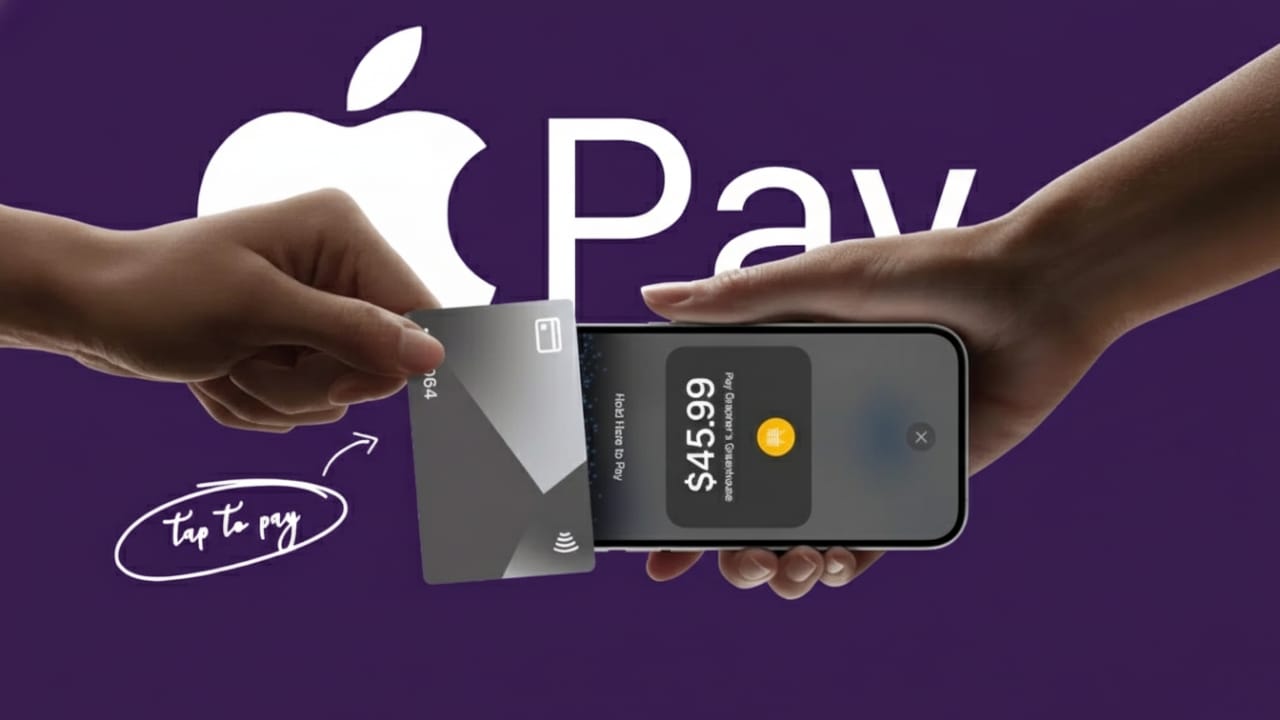
Tap to Pay on iPhone makes everyday payments simple and stress-free. You can pay without carrying cash or cards. Everything happens directly through your iPhone, making payments faster, cleaner, and more secure.
Apple built this feature for regular users and businesses alike. Whether you are shopping at a store or running a small business, Tap to Pay offers a modern way to handle payments. This guide explains the full process in clear and easy language.
Also read: How to Check Parts and Service History on an iPhone (2025 Guide)
What Is Tap to Pay on iPhone?
Tap to Pay on iPhone uses NFC (Near Field Communication) technology. This allows two devices to exchange payment data when they are held close together. When your iPhone comes near a payment terminal, a secure connection is created instantly.
Instead of sharing your real card number, your iPhone uses a protected digital code for each payment. This code works only once. Your actual card details remain private and are never shared with the seller.
To complete a payment, you must confirm your identity using Face ID, Touch ID, or your passcode. Once verified, the payment finishes in seconds. Apple does not store your purchase history, and sellers never see your real card number.
Why Tap to Pay Is Safe and Useful
Tap to Pay is designed with strong security in mind. Every transaction is encrypted, and biometric verification helps prevent misuse. If your iPhone is lost, payments cannot be made without authentication. You can also disable Apple Pay remotely using Find My.
For users, this means smooth shopping without carrying a wallet. For businesses, it means accepting payments using only an iPhone—no extra machines or hardware needed. This helps reduce setup costs and keeps operations simple.
Availability may vary by country, card network, and bank. Always check whether Apple Pay and Tap to Pay are supported in your region.
What You Need Before Setting It Up
Before getting started, make sure you have:
- An iPhone XS or newer
- The latest supported iOS version
- An active Apple ID
- Face ID, Touch ID, or a passcode enabled
- A stable internet connection
Your Date and Time settings should be set automatically for smooth verification.
How to Set Up Tap to Pay on iPhone
- Open the Wallet app on your iPhone.
- Tap the plus (+) icon to add a card.
- Choose Debit or Credit Card and tap Continue.
- Scan your card using the camera or enter details manually.
- Follow the on-screen steps to complete verification.
Your bank may take a few minutes to approve the card. Once approved, the card will appear in your Wallet. You can rearrange cards and choose which one is your default for payments.
Businesses must also install a supported payment app, such as Stripe, Square, or PayPal POS. Inside the app settings, Tap to Pay can be enabled by following the app’s instructions.
How to Make Payments Using Tap to Pay
Paying in Stores
- For Face ID iPhones: Double-press the side button.
- For Touch ID iPhones: Double-press the Home button.
- Confirm with Face ID, Touch ID, or passcode.
- Hold the top of your iPhone near the payment reader.
- Wait for the checkmark or “Done” message.
To use a different card, tap the card stack on the screen and select another option before confirming.
Accepting Payments as a Business
- Open your supported payment app.
- Enter the sale amount.
- Choose Tap to Pay if prompted.
- Ask the customer to tap their card or phone near your iPhone.
The payment completes instantly, without delays or extra equipment.
Supported Cards and Wallets
Tap to Pay supports major card networks, including Visa, Mastercard, American Express, and others depending on your location. Customers can also pay using digital wallets like Apple Pay, Google Pay, and Samsung Pay.
Key Benefits of Tap to Pay on iPhone
- Fast and contactless payments
- No need to carry physical cards
- Strong privacy and security protection
- Works in stores, apps, and many online services
- Saves hardware costs for businesses
It fits easily into daily habits without requiring major changes.
Also read: How to Organize iMessage Apps on iPhone and iPad
Final Thoughts
Tap to Pay on iPhone offers a simple and secure way to handle modern payments. Users enjoy convenience, and businesses gain flexibility. With strong privacy features and easy setup, it is a practical solution for today’s contactless world.
As digital payments continue to grow, Tap to Pay stands out as a reliable and user-friendly option for both customers and merchants.

Jatin Rajput (Tech Golu) — Tech blogger & YouTuber with 6+ years of experience in WhatsApp, Instagram, Facebook, and mobile guides. Founder of TechGolu.in.