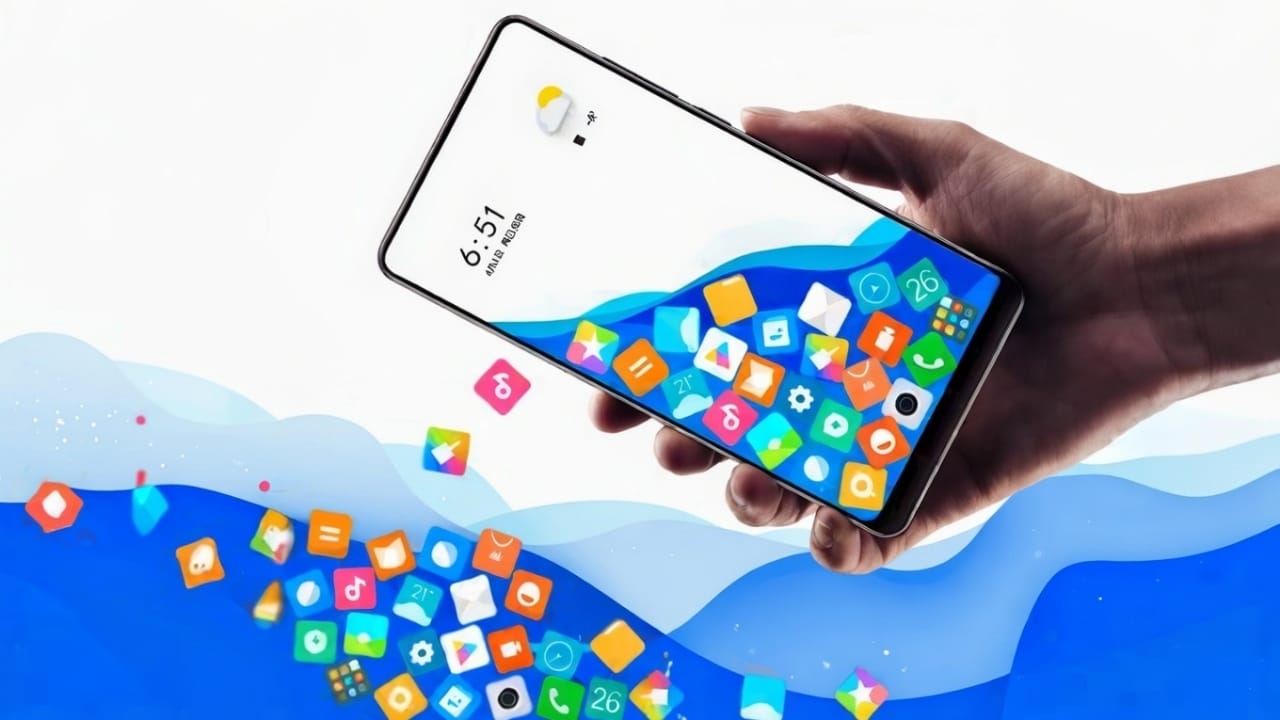
Most of us like to customize our smartphones. We change wallpapers, try new launchers, and adjust icons to make the screen look fresh and personal. Some people prefer live wallpapers, while others like 3D effects. All these small changes help make a phone feel new and enjoyable to use.
Today, let’s talk about an interesting Android app that adds a fun motion effect to your home screen. This app makes your phone icons move when you tilt or move your device. The result is a lively and attractive home screen that feels different from the usual static layout.
Also read: HD DSLR Camera For Android – Best Professional Camera App For Stunning Mobile Photography
What Does the Rolling Icons App Do?
This app works like a launcher with a motion effect. When you move your phone left, right, forward, or backward, the icons on your screen move in the same direction. It creates a rolling or floating effect that looks smooth and playful.
Not only app icons, but you can also add:
- Your own photos
- Any image from your gallery
- Emojis of your choice
All selected items respond to your phone’s movement, giving your home screen a dynamic and animated feel.
Why Use This App?
- Makes your home screen look unique
- Adds motion without complicated settings
- Easy to set up and use
- Supports apps, photos, and emojis
- Works as a launcher, so everything stays in one place
If you enjoy visual effects and want something different from normal launchers, this app is worth trying.
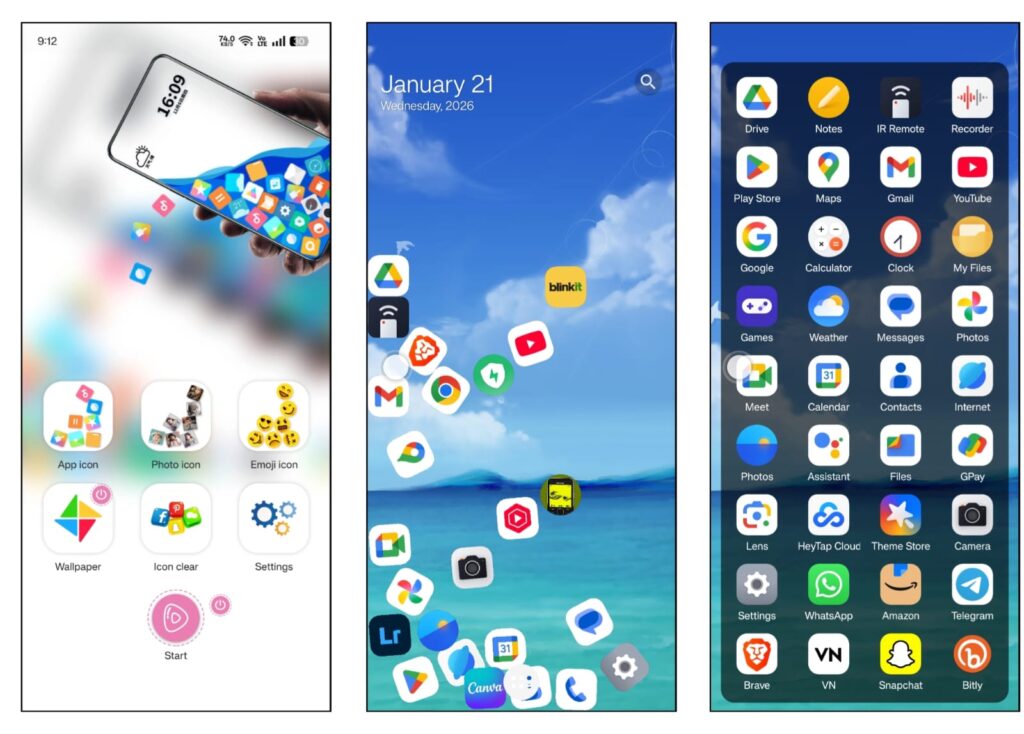
How to Set Up Rolling Icons on Your Phone
Setting up the app is simple. Follow these steps:
- Install and open the app
After opening it for the first time, tap on Agree and then Go Ahead to continue. - Select app icons
- Tap on the App Icon option
- You will see a list of apps installed on your phone
- Select the apps you want to appear with the rolling effect
- Go back once done
- Add photos (optional)
- Tap on the Photo Icon option
- Press the Plus (+) button
- Choose any photo from your gallery
- Tap Next and return
- Add emojis (optional)
- Open the Emoji Icon option
- Pick one or more emojis you like
- Exit after selecting
- Start the launcher
At the bottom of the screen, tap the Start button. The app will now work as your launcher.
Once everything is set, gently move your phone and watch the icons, photos, and emojis roll along with your movement.
Download the App
You can download the app directly from the Google Play Store using the link below:
Insatll
Try it out and see how it changes the look and feel of your phone.
Also read: Snake Game 1991 for Android – Relive the Classic Nokia Fun
Final Thoughts
This rolling icons app is a fun way to refresh your Android home screen. It doesn’t require technical knowledge and can be customized according to your taste. If you like animated effects and want your phone to feel more interactive, this app can be a nice addition.

Jatin Rajput (Tech Golu) — Tech blogger & YouTuber with 6+ years of experience in WhatsApp, Instagram, Facebook, and mobile guides. Founder of TechGolu.in.