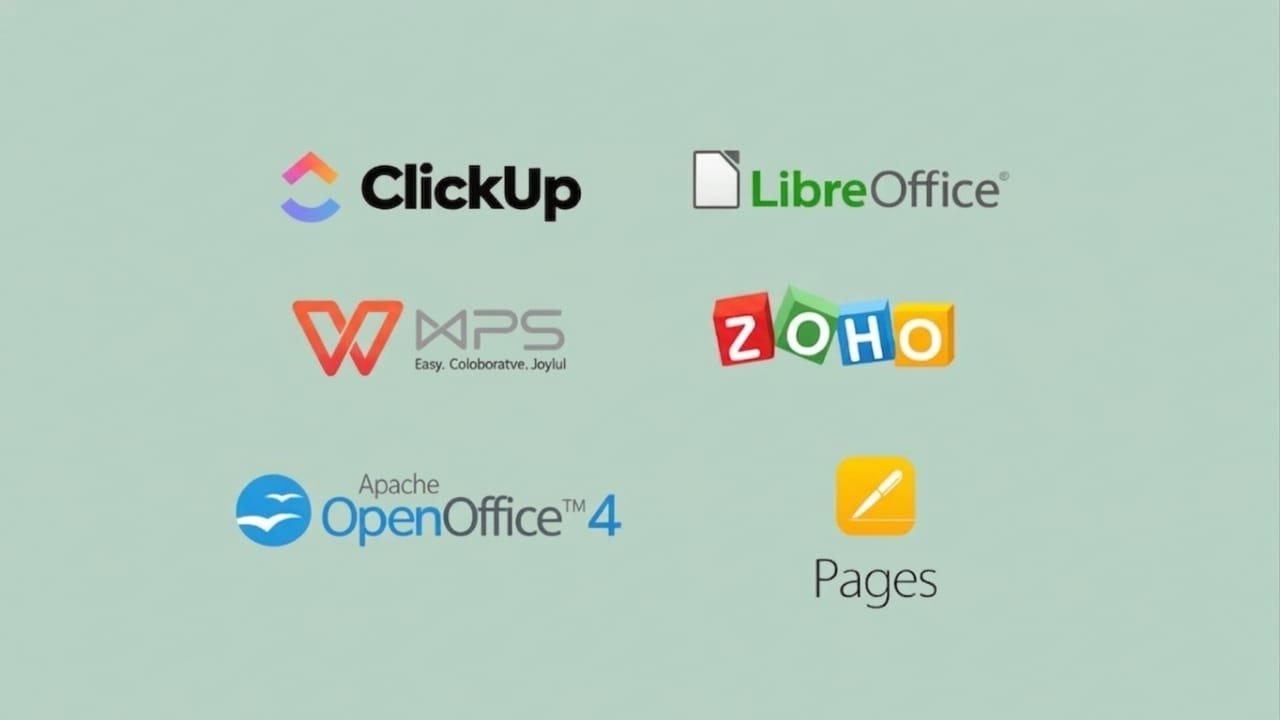
Paying for office software every year isn’t always practical, especially for students, freelancers, or small teams. Thankfully, there are several free and open-source alternatives that can handle everyday work without costing anything.
These tools let you create documents, manage spreadsheets, and design presentations with ease. Some even support online collaboration and file sharing. The right choice depends on how you work and what features you need.
Also read: New Sticky Notes vs Old Sticky Notes: A Simple Comparison Guide
Free Office Tools for Everyday Use
Most free office suites cover basic tasks like writing, calculations, and presentations. Many of them work offline, so you don’t need a constant internet connection. They also support common Microsoft file formats, which makes switching easier.
LibreOffice: A Complete Free Office Suite
LibreOffice is one of the most popular free office tools available today. It is developed by a global community and maintained by The Document Foundation.
It comes with a full set of applications:
- Writer for documents
- Calc for spreadsheets
- Impress for presentations
- Draw for simple graphics
- Base for database management
- Math for writing formulas
LibreOffice works on Windows, macOS, and Linux. It supports common file formats like DOCX, XLSX, and PPTX, so you can open and save files without major issues.
One big advantage is privacy. You don’t need to create an account, and your data stays on your system. You can also customize it using extensions.
However, it’s not perfect. Some complex Word templates may not display correctly. Advanced macros can also behave differently. Still, for daily tasks, it works reliably.
Apache OpenOffice: Lightweight and Simple
Apache OpenOffice is one of the older office suites and was the base for LibreOffice.
It includes similar tools like Writer, Calc, and Impress, along with Draw, Base, and Math. One of its strengths is that it runs smoothly on older computers with limited resources.
That said, the interface and features feel outdated compared to newer tools. It handles basic work well, but newer file formats may not always work perfectly.
If you have an older PC and simple needs, OpenOffice can still be useful. But for modern use, LibreOffice is usually a better option.
Best Tools for Team Collaboration
If you work with others, collaboration features become important. Some tools allow multiple users to edit files at the same time.
ONLYOFFICE: Real-Time Team Editing
ONLYOFFICE is a strong choice for teamwork. It allows multiple users to edit documents together in real time.
Its interface looks similar to Microsoft Office, which makes it easy to learn. It also supports popular formats like DOCX, XLSX, and PPTX with good accuracy.
You can host it on your own server for better control and privacy. There’s also a desktop version for offline use.
Google Workspace: Easy Online Collaboration
Google Workspace includes tools like Docs, Sheets, and Slides. These run directly in your browser and are easy to access from anywhere.
The biggest advantage is smooth real-time collaboration. Multiple users can work on the same file, and changes appear instantly.
The interface is clean and simple, making it beginner-friendly. While it may not have all advanced features, it works well for most daily tasks.
Office Tools with Unique Features
Some alternatives offer extra features or a different working style that may suit certain users better.
FreeOffice: Familiar Look and Feel
FreeOffice is designed to feel similar to Microsoft Office. It includes:
- TextMaker (Word alternative)
- PlanMaker (Excel alternative)
- Presentations (PowerPoint alternative)
You can switch between modern and classic layouts, depending on your preference. It covers most basic needs and is easy to use.
There’s also a paid version with additional features, but the free version is enough for general use.
WPS Office: Tab-Based Working
WPS Office stands out with its tab-based interface. You can open multiple documents in a single window, just like browser tabs.
It includes tools for documents, spreadsheets, presentations, and even PDF editing. You can merge, convert, and manage PDFs easily.
It also offers templates for resumes and reports, which saves time. The design is compact and similar to Microsoft Office.
Free cloud storage is available, though limited. Collaboration features are mainly available online.
MobiOffice: Cloud-Focused Experience
MobiOffice combines office tools with cloud storage features. It supports documents, spreadsheets, presentations, and PDF editing.
You need to create an account to use it, which may not suit everyone. In return, you get free cloud storage to save your files.
It also includes auto-save, which helps prevent data loss. The interface blends classic menus with modern design, making it easy to navigate.
While it works well for daily tasks, some advanced features may require a paid upgrade.
Also read: How to Customize the Windows 11 Taskbar (Simple Guide for 2026)
Final Thoughts
Free and open-source office tools have improved a lot over the years. They offer a practical way to work without paying for expensive subscriptions.
Each option has its own strengths. Some are better for offline use, while others focus on collaboration or extra features.
Before choosing one, think about your needs—whether it’s simple document editing, team collaboration, or advanced tools. With the right choice, you can handle your work smoothly without spending money on software.

Jatin Rajput (Tech Golu) — Tech blogger & YouTuber with 6+ years of experience in WhatsApp, Instagram, Facebook, and mobile guides. Founder of TechGolu.in.