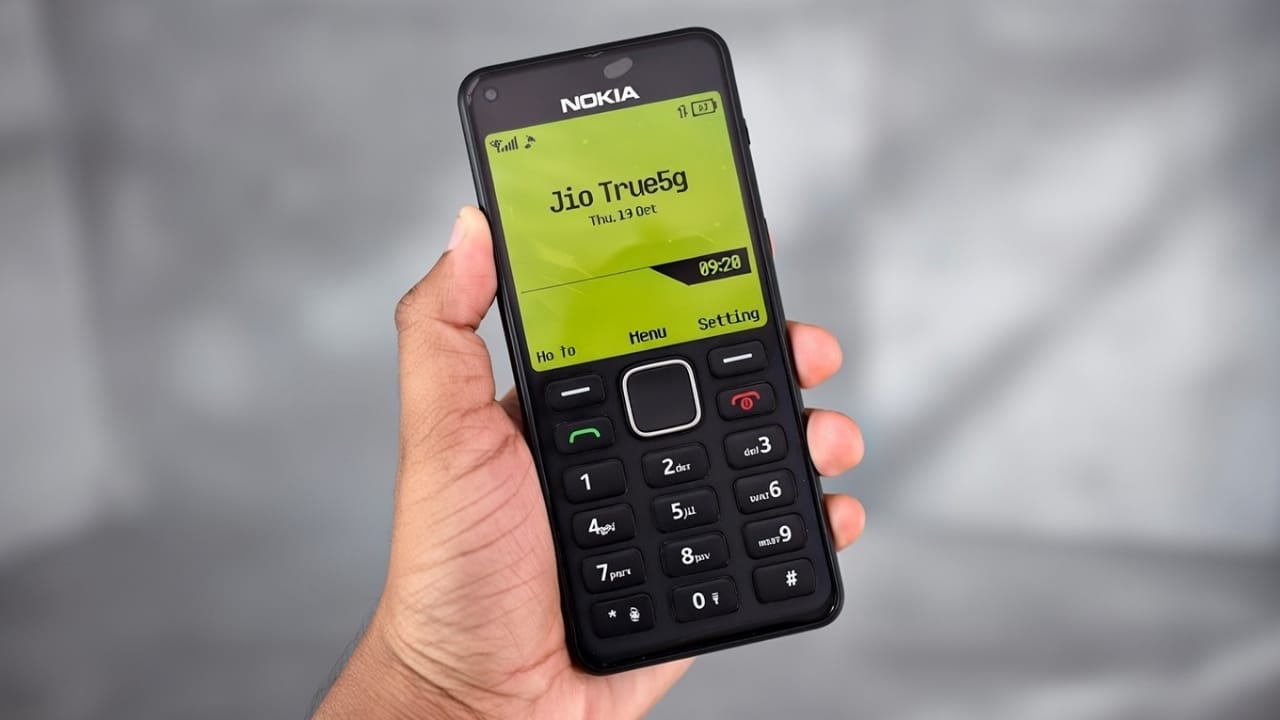
Smartphones have changed a lot over the years. Touch screens, heavy apps, and complex designs are now common. But many people still miss the simple days of old mobile phones. One phone that brings strong memories is the Nokia 1280.
If you are one of those users who loved that classic phone, there is good news. With the Nokia 1280 Launcher for Android, you can give your modern smartphone the same old-style look and feel. The launcher changes your phone’s interface so it resembles the original Nokia 1280 design.
This article explains what the Nokia 1280 Launcher is, its features, how to use it, and its pros and limits — all in simple words.
Also read: How to Use Voice Lock Options on Android and iPhone (Real Truth Guide)
What Is Nokia 1280 Launcher?
Nokia 1280 Launcher is an Android application that transforms your smartphone’s home screen into a classic Nokia-style interface. Once activated, your phone looks similar to the old keypad phone, with a clean layout and basic design.
The launcher focuses on simplicity. There are no heavy animations or confusing menus. Everything looks minimal, just like the original Nokia 1280.
Classic Design That Feels Familiar
The Nokia 1280 was known for its small screen, big buttons, and easy navigation. This launcher copies that same idea. When you apply it, your smartphone gives the impression of a basic phone at first glance.
Many people won’t even realize it’s a smartphone unless they use it themselves. This makes it fun to show friends and also useful for users who prefer a distraction-free interface.
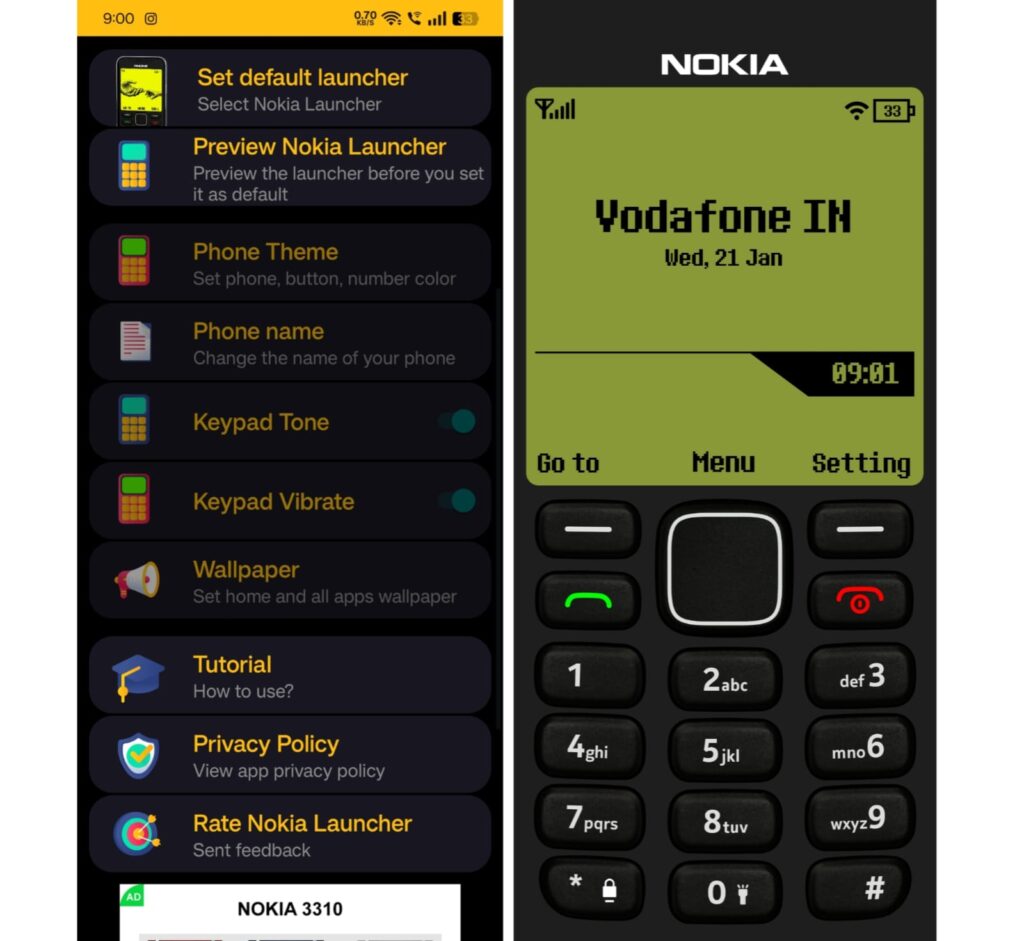
Key Features of Nokia 1280 Launcher
1. Simple and Classic Interface
The launcher offers a clean layout inspired by the original Nokia 1280. Large icons and basic navigation make it easy for anyone to use, including beginners and older users.
2. Icon and Theme Customization
You can customize icons and themes according to your choice. The dial pad button colors and overall theme can be changed to match your preference while keeping the classic look.
3. Change Phone Name
The app allows you to edit the phone name displayed in the interface. You can keep it as Nokia or replace it with any name you like.
4. Preview Before Applying
Before setting it as your default launcher, you can preview how it will look on your phone. This helps you decide without making permanent changes.
How to Use Nokia 1280 Launcher on Android
- Open Google Play Store
Search for “Nokia 1280 Launcher” on the Play Store. - Install the App
Download and install the application on your phone. - Open and Set as Default
Open the app after installation and set it as your default launcher to apply the classic interface.
How to Remove Nokia 1280 Launcher
If you want to switch back to your original phone layout:
- Open the launcher menu from the top-left corner.
- Select Exit Launcher.
- Choose your phone’s default launcher.
Your phone will return to its original look immediately.
Advantages of Nokia 1280 Launcher
- Brings back the feel of old Nokia phones
- Very easy to use and lightweight
- Clean and simple interface with no clutter
- Ideal for users who prefer minimal design
Limitations of the Launcher
- Limited features compared to modern launchers
- Designed mainly for simplicity, not advanced customization
Download Nokia 1280 Launcher
You can download the app directly from the Google Play Store using the link below:
Install
Also read: Snake Game 1991 for Android – Relive the Classic Nokia Fun
Relive Old Memories on a Modern Phone
The Nokia 1280 Launcher lets you enjoy the charm of classic mobile phones without giving up your smartphone. It is a fun way to revisit old memories while still using today’s technology.
Once activated, your phone looks almost identical to the original Nokia 1280. At first glance, many people won’t even realize it’s a smartphone.

Jatin Rajput (Tech Golu) — Tech blogger & YouTuber with 6+ years of experience in WhatsApp, Instagram, Facebook, and mobile guides. Founder of TechGolu.in.