Many people want more privacy while using Instagram. Being visible online all the time can feel uncomfortable. By default, Instagram lets others see when you are active. This can create pressure to reply instantly, even when you just want to scroll in peace.
To solve this, Instagram offers a simple option to hide your activity. With a few taps, you can stop others from seeing when you are online and use the app on your own terms.
Also read: How to Hide or Show the Threads Badge on Instagram (Updated 2025 Guide)
What Instagram’s Active Status Actually Shows
Active Status tells others when you are using Instagram. It can show that you are currently online or when you were last active. This feature mainly appears in direct messages.
You may notice a small green dot next to profile pictures. In chats, you might see text like “Active now” or “Active recently.” These signs make conversations feel real-time.
While this can be useful, not everyone enjoys it. Some users feel watched. Others only use Instagram to view posts, reels, or stories and do not want messaging pressure.
This feature is switched on automatically for new accounts. Many people never realize it exists, which can make privacy feel limited.
Since Instagram is part of Meta, it uses a similar system to WhatsApp and Messenger. The good news is that you are free to turn it off whenever you want.
Who Is Allowed to See Your Activity Status
Your Active Status is not visible to everyone on Instagram. Only specific people can see it.
- Users you follow can view your status
- People you have messaged before may also see it
If someone follows you but you do not follow them back, they cannot see your activity. Strangers and random profiles do not have access to this information.
Still, mutual followers often notice when you come online. Messages may arrive as soon as you open the app, which can feel intrusive.
Instagram does not allow hiding your status from selected people. It is an all-or-nothing setting. Once you turn it off, nobody can see your activity. At the same time, you also lose the ability to see when others are online.
This works the same way as “last seen” on WhatsApp. Privacy increases, but visibility disappears on both sides.
How to Turn Off Active Status on Instagram
The process is quick and almost the same on Android, iPhone, and desktop.
Steps on Mobile (Android & iPhone)
- Open the Instagram app
- Go to your profile
- Tap the three-line menu in the top corner
- Open Settings and privacy
- Tap Messages and story replies
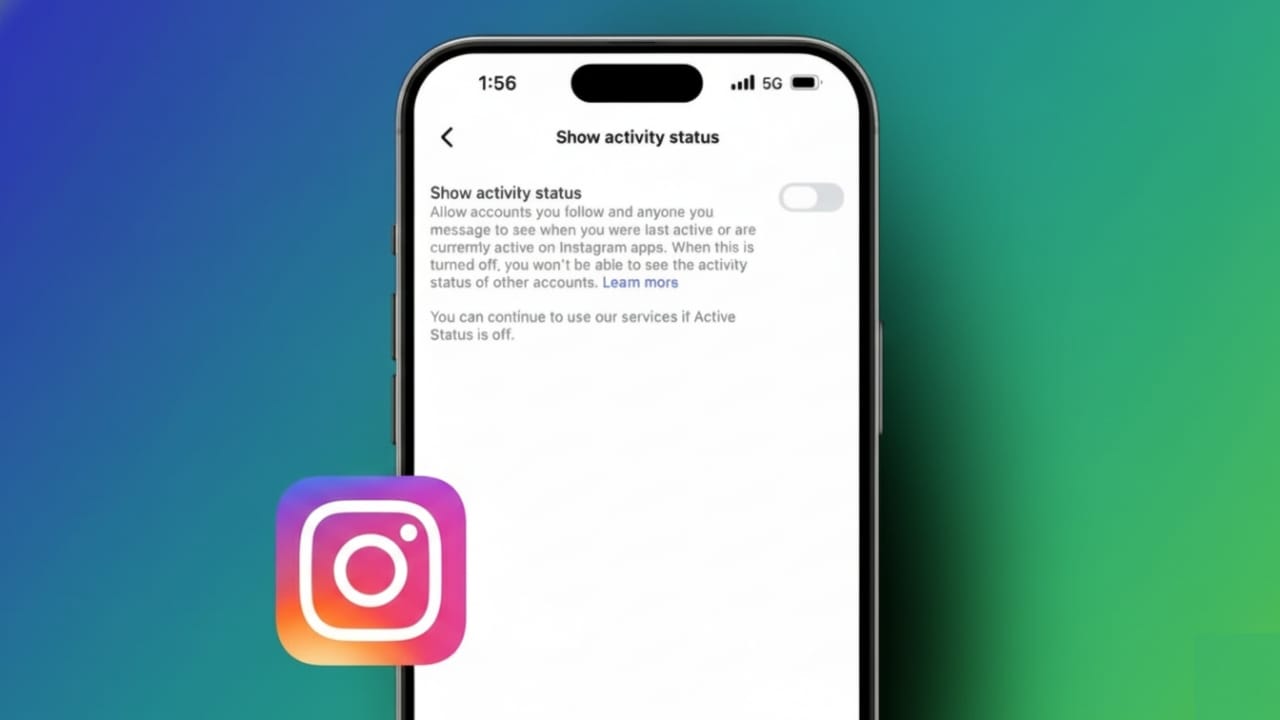
- Find Show activity status
- Turn the toggle off
When the toggle is off, your status is hidden. The change happens immediately.
Steps on Desktop (Browser)
- Open Instagram in your web browser
- Log in to your account
- Click More in the bottom left
- Open Settings and privacy
- Look for activity or messaging settings
- Turn off Show activity status
Desktop changes also apply instantly to your account.
What Happens After You Turn It Off
Once Active Status is disabled, your green dot disappears. Others can no longer see when you are online or when you last used Instagram.
You also stop seeing the activity status of other users. Their online indicators will no longer appear in your messages.
This creates a calmer experience. You can reply to messages whenever you want, without feeling rushed. Many users find this reduces social pressure and improves comfort.
Keep in mind that other actions are still visible. Likes, comments, and story views will continue to show. This setting only hides your online timing, not your interactions.
If you want even more privacy, you can switch to a private account or restrict specific users. Restricted accounts have limited interaction visibility.
Also read: How to Auto Scroll on Instagram Reels in 2025
Final Thoughts
Disabling Active Status on Instagram gives you more control over your time and attention. It removes the stress of being constantly visible and lets you enjoy the app at your own pace.
While you lose the ability to see others’ online status, the privacy trade-off is worth it for many users. The setting is easy to change, works on all devices, and can be turned back on anytime.
If Instagram feels overwhelming, this small change can make a big difference.

Jatin Rajput (Tech Golu) — Tech blogger & YouTuber with 6+ years of experience in WhatsApp, Instagram, Facebook, and mobile guides. Founder of TechGolu.in.