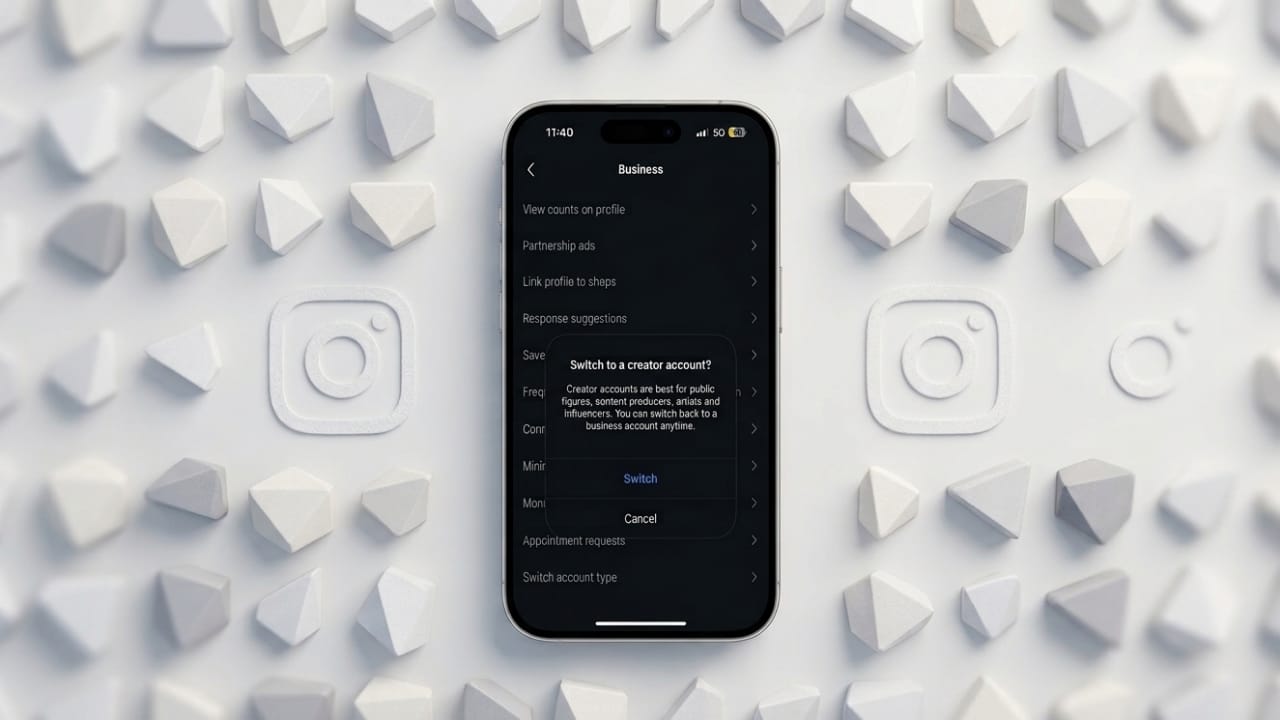
If you’re thinking about going back to a personal Instagram account, the process is simple. Many people try business accounts for extra features, but later decide they don’t really need them.
Let’s walk through how to switch, what changes after, and why some users prefer a personal account again.
Also read: What Is Instagram Sleep Mode and How to Use It
What Is an Instagram Business Account?
A business account is made for brands, shops, and professionals. It gives access to tools that help with growth and promotion.
Some common features include:
- Insights about followers and post performance
- Options to run ads and promotions
- Contact buttons like email or call
- Access to Meta business tools
- Shopping and product tagging options
These tools are helpful if you’re promoting something. But for casual users, they can feel unnecessary.
How to Switch to a Personal Account
Instagram doesn’t have a “turn off business account” button. Instead, you need to change your account type.
Here are two easy methods:
Method 1: Using Professional Dashboard
- Open your Instagram profile
- Tap Professional Dashboard
- Tap the Settings (⚙️) icon
- Scroll and select Switch account type
- Choose Personal account
- Tap Switch to confirm
Method 2: From Account Settings
- Go to your profile
- Tap the menu (☰) in the top corner
- Scroll to Account type and tools
- Tap Account type
- Select Switch account type
- Choose Personal account and confirm
What Changes After Switching?
The good news: your content stays safe.
Nothing is deleted. Your posts, reels, followers, and messages remain exactly the same.
What You Lose
After switching to a personal account, you won’t have:
- Analytics and insights
- Ad and promotion tools
- Contact buttons on your profile
- Access to the professional dashboard
What Stays the Same
- All your posts and reels
- Your followers and following list
- Messages and chats
Your account simply becomes a regular Instagram profile again.
Why People Switch Back to Personal
Many users return to a personal account for these reasons:
1. Less clutter
Business accounts add extra tabs and notifications that not everyone needs.
2. Better privacy
Personal accounts can be set to private, so you control who sees your content.
3. No need for data
If you’re not tracking growth or running ads, insights don’t add much value.
Can You Switch Back Again?
Yes, anytime.
If you decide later that you want to promote content or use analytics again, you can switch back to a business account in just a few steps.
Personal vs Business Account (Quick Overview)
Here’s a simple comparison:
- Personal Account
- Best for everyday users
- No analytics or ads
- Can be private
- Business Account
- Best for brands and services
- Includes insights and promotions
- Always public
Also read: How to Change Background Color on Instagram Story (5 Simple Ways)
Final Thoughts
Switching from a business account to a personal one is quick and safe. You won’t lose any content or followers.
If you prefer a clean, private, and simple Instagram experience, moving back to a personal account is a good choice.
And if your needs change later, you can always switch again without any hassle.

Jatin Rajput (Tech Golu) — Tech blogger & YouTuber with 6+ years of experience in WhatsApp, Instagram, Facebook, and mobile guides. Founder of TechGolu.in.