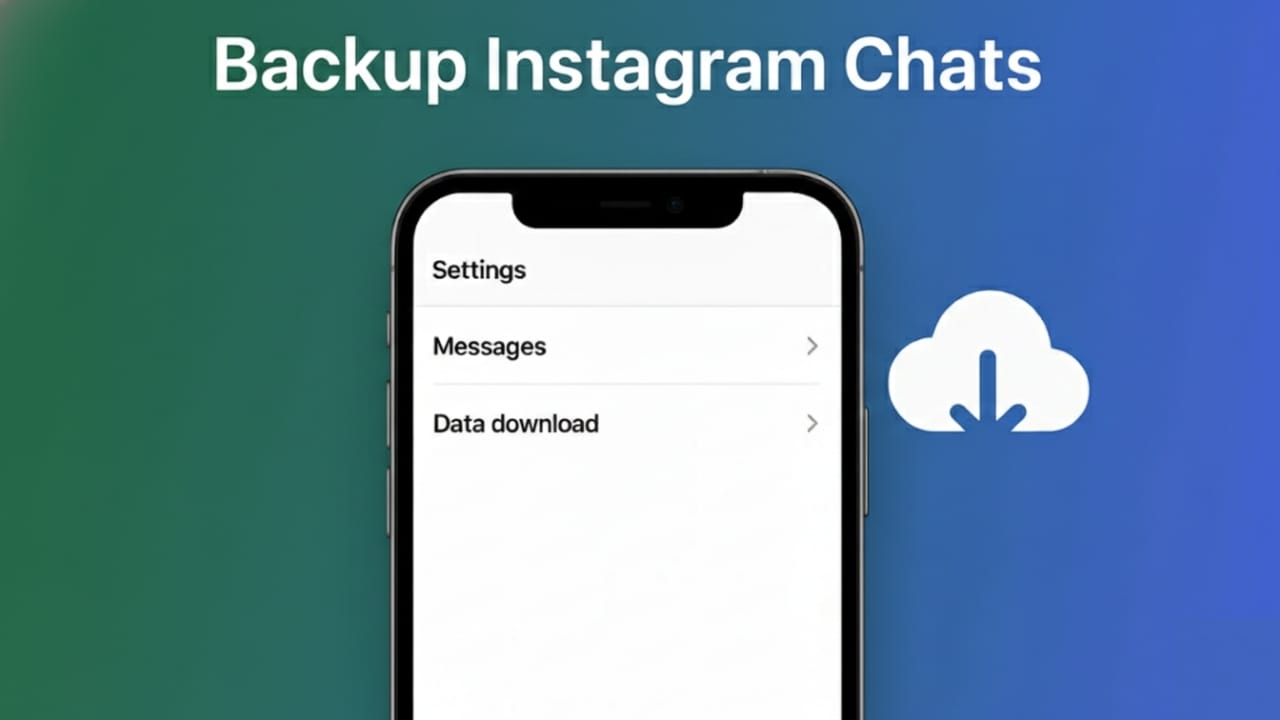
Instagram direct messages are more than just chats. They often include personal memories, work discussions, customer details, and important information. Losing these messages can be frustrating, especially when changing phones or facing account issues.
The good news is that Instagram offers an official and secure way to download your data. This guide explains the process in a simple and easy-to-understand manner, even if you are new to Instagram.
Also read: How to Auto Scroll on Instagram Reels in 2025
Why Saving Your Instagram Chats Is Important
Keeping a backup of your messages can be very helpful. Here’s why many users choose to do it:
- Important conversations stay protected
- Business and client messages are not lost
- Personal memories remain safe
- Your data is secure if your account gets restricted
- Moving to a new device becomes easier
Having a backup means you are not fully dependent on the app alone.
Download Instagram Data Using the Official Method
Instagram allows users to download a complete copy of their account data, including direct messages. This is the safest way to back up chats.
Steps to download your data:
- Open the Instagram app
- Go to your profile page
- Tap the menu icon (three lines)
- Open Settings and privacy
- Find Accounts Center or Your information and permissions
- Tap Download your information
- Enter your email address
- Choose Complete copy
- Select file format (HTML is easier to read, JSON is for advanced users)
- Submit the request
Instagram will prepare your data and email you a download link. The process may take a few hours or up to two days, depending on how much data your account has.
What’s Included in the Downloaded File
The data you receive comes in a ZIP file. After extracting it, you’ll find multiple folders containing your account information, such as:
- All direct messages
- Photos and videos shared in chats
- Profile details
- Likes and comments
- Archived stories
- Search activity
Your chat history is usually stored inside a folder named messages.
Best Ways to Store Your Backup Securely
After downloading the file, make sure to store it safely. Some good storage options include:
- Your personal computer
- Cloud services like Google Drive or Dropbox
- External hard drives
- Password-protected USB drives
For extra safety, it’s smart to keep a copy in more than one place.
Saving Specific Photos or Videos Manually (Optional)
If you only want to keep selected media instead of full chat history, you can save files manually.
Here’s how:
- Open the chat
- Tap on the image or video
- Save it to your phone or cloud storage
This method takes more time but works well if you only need important files.
Be Cautious With Third-Party Apps
Some apps promise instant Instagram chat backups. While this may sound convenient, it can be risky.
Keep these points in mind:
- Never share your Instagram password
- Avoid apps with poor reviews
- Use only trusted tools with secure login methods
- Keep exported data private
Instagram’s built-in download feature remains the most reliable and secure option.
Limitations of Instagram Backups
It’s important to understand what backups cannot restore:
- Messages deleted before the download
- Media that was already removed
- Stories that expired earlier
- Live or real-time message updates
Only the data currently available in your account is included in the backup.
Also read: How to Hide Your Online Status on Instagram in 2026
Final Words
Saving your Instagram chats is a smart habit, whether you use the platform for work or personal connections. The process is simple, secure, and handled directly by Instagram. Once your data is backed up and stored safely, you don’t have to worry about losing important conversations.
Take a few minutes to download your data today—it can save you a lot of trouble later.

Jatin Rajput (Tech Golu) — Tech blogger & YouTuber with 6+ years of experience in WhatsApp, Instagram, Facebook, and mobile guides. Founder of TechGolu.in.