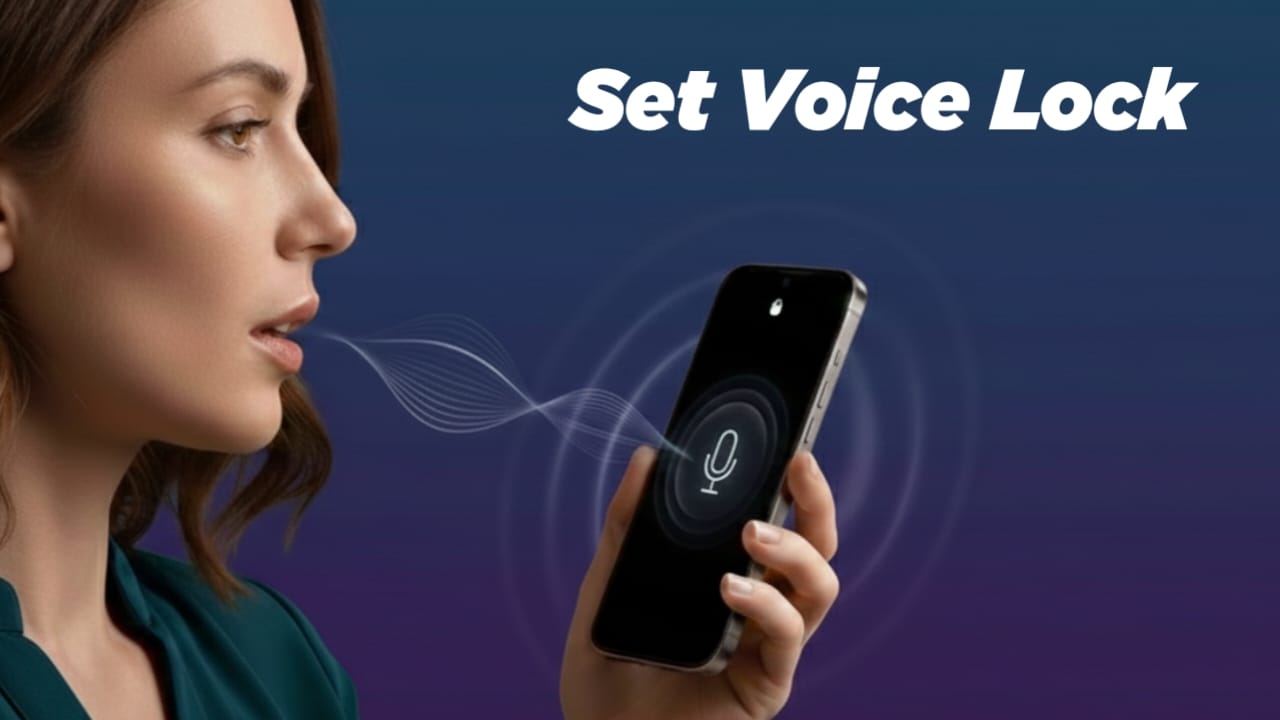
Modern smartphones already offer reliable security options. PINs, patterns, fingerprints, and face recognition are widely used and trusted. Still, many people wonder if they can unlock their phone just by speaking to it. This article explains the reality of voice lock on Android and iOS in a simple and honest way.
You will learn what voice lock actually means, what your phone can and cannot do, and why voice unlocking is limited on purpose.
Also read: HD DSLR Camera For Android – Best Professional Camera App For Stunning Mobile Photography
What Does “Voice Lock” Really Mean?
Voice lock usually refers to controlling or accessing a phone using spoken commands. For example, saying a phrase to unlock the screen or open features.
While this sounds convenient, there is an important fact to know upfront:
Voice is not supported as a main lock screen security method on Android or iPhone.
Neither Google nor Apple allows voice recognition to replace a PIN, password, fingerprint, or Face ID. The reason is simple: voice alone is not secure enough.
Voice Features on Android: What You Can Use
Android supports voice-based actions, but with clear limits.
Google Assistant Voice Match
Google Assistant can recognize your voice to perform tasks like making calls, sending messages, or checking reminders. However, it does not unlock the phone completely. In most cases, the device still asks for your main lock method.
Smart Lock Options
Android Smart Lock keeps your phone unlocked in trusted situations, such as when connected to a known device or location. Voice is not part of Smart Lock.
Third-Party Voice Lock Apps
Some apps offer voice-based unlocking as an extra layer. These apps work on top of the existing lock system. They do not replace Android’s built-in security.
Voice Control on iPhone: Apple’s Approach
Apple puts strong focus on privacy and protection.
Siri and Voice Control
Siri and Voice Control allow hands-free use, such as opening apps or navigating menus. But unlocking an iPhone still requires Face ID, Touch ID, or a passcode.
Apple does not allow voice to be used as the main unlocking method.
Why Phones Don’t Rely on Voice for Unlocking
There are several reasons voice lock is limited:
- A voice can be recorded or copied
- Noise can cause false triggers
- Voice is easier to fake than fingerprints or face data
- It increases the risk of unauthorized access
Because of these issues, voice is used for assistance, not identity verification.
Be Careful With App Permissions
If you try any voice-related lock apps, pay attention to permissions. These apps may ask for:
- Microphone access
- Storage access
- Accessibility permissions
Only allow what is necessary. Avoid apps that request permissions unrelated to their function.
Optional Voice Lock Apps for Android Users
If you are curious and want to test voice-based unlocking as an extra feature, some apps on the Google Play Store offer this option.
One example is Voice Screen Lock. It lets users set a voice phrase to unlock the screen as an additional step. This works separately from Android’s main lock system.
Such apps should be used only for convenience or experimentation. Always check app reviews, permission details, and privacy policies before installing.
Install
Also read: Picnic – Best Photo Filter App for Dark Sky & Outdoor Photography (Android)
Final Thoughts
Voice unlocking may sound advanced, but at the moment, neither Android nor iOS supports it as a primary security feature. Voice tools are designed to help with daily tasks, not to protect your device.
If you decide to try a third-party voice lock app, treat it as a bonus feature, not your main defense. For real security, stick with trusted options like fingerprints, Face ID, or a strong passcode, and use voice features wisely for everyday ease.

Jatin Rajput (Tech Golu) — Tech blogger & YouTuber with 6+ years of experience in WhatsApp, Instagram, Facebook, and mobile guides. Founder of TechGolu.in.