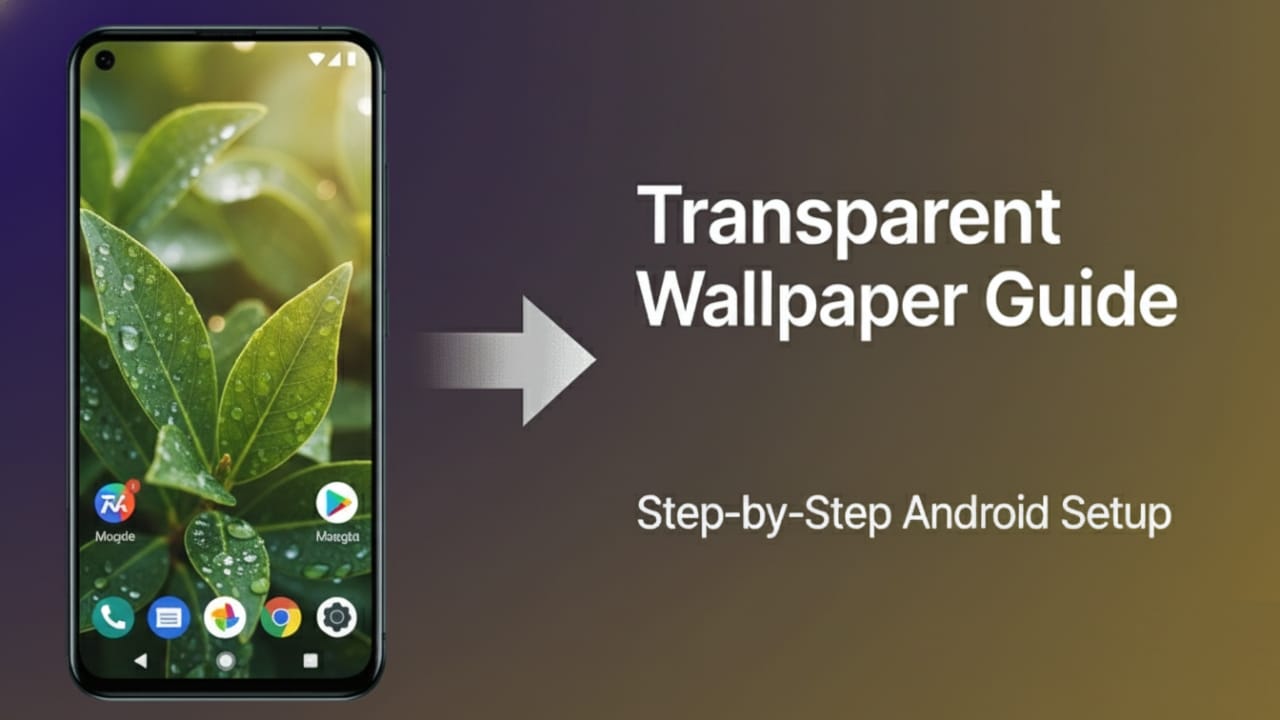
Have you ever imagined your phone screen looking like glass, where you can see what’s behind it in real time?
That’s the visual trick a Transparent Wallpaper App creates on Android devices.
This type of app is made purely for customization. It uses your phone’s camera to give the illusion that your screen is see-through. Before installing it, though, it’s good to understand how it actually works, what access it requires, and whether it’s safe for daily use.
Let’s break everything down in a clear and simple way.
Also read: Zipper Lock Screen – Stylish Themes & Live Wallpaper App: Complete User Guide
What Is a Transparent Wallpaper App?
A Transparent Wallpaper App is an Android customization tool that changes your phone’s background into a live camera view.
Instead of using a normal image as wallpaper, the app shows real-time visuals from your phone’s rear camera. Your app icons stay in place, but the background looks like the real world behind your phone.
This creates a transparent-style effect. It’s not real transparency, but a clever visual illusion made using your camera feed.
How Does a Transparent Wallpaper App Work?
The working process is very straightforward:
- After installation, the app asks for camera permission.
- Once allowed, it activates your back camera.
- The camera’s live view is displayed as your phone’s wallpaper.
- Your home screen icons appear on top of this moving background.
The phone itself doesn’t become transparent. The app simply replaces the wallpaper with live video, which makes the screen look see-through.
Main Features of a Transparent Wallpaper App
- Live Background View: Displays real-time visuals using the rear camera.
- Easy Controls: Lets you adjust brightness and smoothness for better visibility.
- Lightweight App: Designed to run smoothly on most Android phones.
- No Sign-Up Required: Works instantly without accounts or personal details.
- Quick Setup: Apply the effect in just one tap.
Is a Transparent Wallpaper App Safe to Use?
Yes, it is generally safe when installed from the Google Play Store.
Since the app relies on the camera, there are a few things you should keep in mind:
- Always download from the official Play Store.
- Allow only camera permission, which is required for the effect.
- Live camera use may slightly increase battery usage.
- Older devices may experience minor heating or slower performance.
When used responsibly and downloaded from a trusted source, the app does not pose any security risk.
Advantages and Disadvantages
Advantages
- Gives your phone a unique and modern look
- Simple and quick to set up
- No login or personal data required
- Fun visual effect for customization lovers
Disadvantages
- Uses more battery than static wallpapers
- May cause slight lag on older phones
- Requires camera access to function
How to Use a Transparent Wallpaper App on Android
Setting it up takes only a few minutes:
- Open the Google Play Store.
- Search for “Transparent Wallpaper by Firehawk.”
- Install the app and wait for it to finish downloading.
- Open the app and allow camera permission.
- Tap the option to apply the transparent wallpaper.
- Return to your home screen to see the live transparent effect.
That’s all you need to do.
How to Download the App Safely
Always install the app directly from the Google Play Store.
Avoid downloading APK files from unknown websites, as they can carry security risks.
Using the Play Store ensures you get a verified and updated version of the app.
Install
Also read: High Volume Booster App: Make Your Phone Sound Louder and Clearer
Final Verdict
The Transparent Wallpaper App is a fun way to change the look of your Android phone. It doesn’t improve speed or battery life, but it adds a cool visual style that stands out.
If you enjoy experimenting with phone customization and want something different from regular wallpapers, this app is worth trying. Just keep permissions limited and install it from trusted sources for a safe experience.

Jatin Rajput (Tech Golu) — Tech blogger & YouTuber with 6+ years of experience in WhatsApp, Instagram, Facebook, and mobile guides. Founder of TechGolu.in.