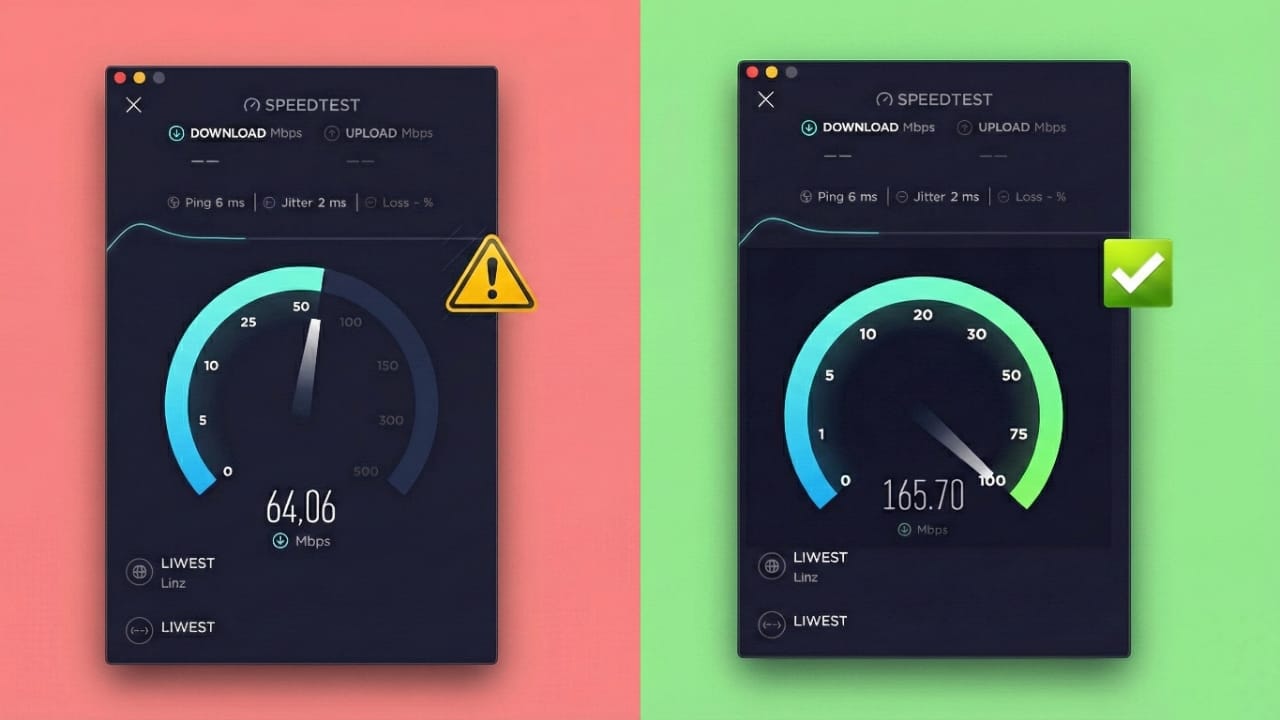
A slow internet connection can be very frustrating. It affects work, online classes, video calls, gaming, and even simple browsing. Many people experience lag even after paying for high-speed plans. In most cases, the problem is not the internet plan but small issues inside the home network.
The good news is that you can fix many internet speed problems on your own. With a few simple changes and regular maintenance, your connection can become faster and more stable.
Let’s break everything down step by step in a clear and easy way.
Also read: How to Move WhatsApp Chats Without Using Any Backup (Android & iPhone)
Common Reasons Why Internet Becomes Slow
Before fixing the problem, it helps to understand what causes internet lag.
One major reason is distance. Devices placed far from the router receive weaker signals. Thick walls, especially concrete ones, block Wi-Fi signals and reduce speed.
Old routers are another common issue. Many older models are not designed to handle modern internet usage or multiple connected devices. When several phones, laptops, smart TVs, and other devices use the network at the same time, speed gets divided.
Background apps are also a hidden problem. Many apps and programs use the internet quietly for updates or syncing. Malware or unwanted software can consume data without your knowledge.
Outdated software, drivers, or router firmware can lead to unstable connections. In some cases, internet providers may reduce speeds during busy hours, even on unlimited plans.
Knowing these causes helps you choose the right solution instead of guessing.
Easy Ways to Improve Internet Speed at Home
Start with simple changes that make a big difference.
Place your router in a central, open location. Avoid keeping it inside cupboards, behind TVs, or near thick walls. An open position helps the signal reach every room evenly.
Move devices closer to the router whenever possible. Stronger signals mean fewer drops and faster speeds. If your home is large, a Wi-Fi extender can help cover weak areas.
For important devices like computers or smart TVs, use an Ethernet cable. Wired connections are more stable and faster than Wi-Fi. Make sure the cable is in good condition and not bent or damaged.
Clear your browser cache and browsing data regularly. Old files can slow down websites. Updating your browser also fixes bugs and improves performance.
Scan your devices for malware using trusted security software. Harmful programs can secretly use bandwidth and slow everything down.
Close apps that you are not using. Background downloads, cloud syncing, and auto-updates consume data. Disconnect devices that are not needed, especially smart gadgets that stay online all the time.
Restart your phone, computer, and router occasionally. Turning off the router for about 30 seconds helps clear temporary data and refresh the connection.
Keep your device software and network drivers updated. Updates often fix connection issues and improve stability. Router firmware updates are also important for better performance and security.
Advanced Tips for Better Internet Performance
If basic steps are not enough, try advanced solutions.
Check Wi-Fi signal strength in different rooms. This helps you decide the best location for your router. Adjusting placement can improve coverage for the entire home.
Sometimes, the issue comes from the internet provider. If speeds drop regularly, contact customer support and ask for a check. If problems continue, comparing other providers may be a good option.
A VPN can help in certain situations. It can protect privacy and prevent some types of speed control by providers. While VPNs may slightly affect speed, they can offer more consistent performance in some cases.
Upgrading old hardware is often necessary. New routers provide better range, stronger signals, and improved handling of multiple devices. For homes with many users, modern equipment makes a noticeable difference.
Choosing a higher-speed plan can also help, especially if many devices are connected at the same time.
Also read: How to Safely Delete Call History on Android and iPhone
Final Thoughts
Slow internet usually happens due to several small problems working together. Fixing just one issue helps, but fixing all of them brings the best results.
Simple actions like better router placement, closing background apps, updating software, and restarting devices can greatly improve speed. Advanced steps like upgrading hardware or changing providers may be needed in some cases.
Regular care of your home network keeps your internet smooth and reliable. A stable connection makes daily tasks easier and removes unnecessary stress.
With the right setup and habits, fast internet becomes something you can enjoy every day.

Jatin Rajput (Tech Golu) — Tech blogger & YouTuber with 6+ years of experience in WhatsApp, Instagram, Facebook, and mobile guides. Founder of TechGolu.in.