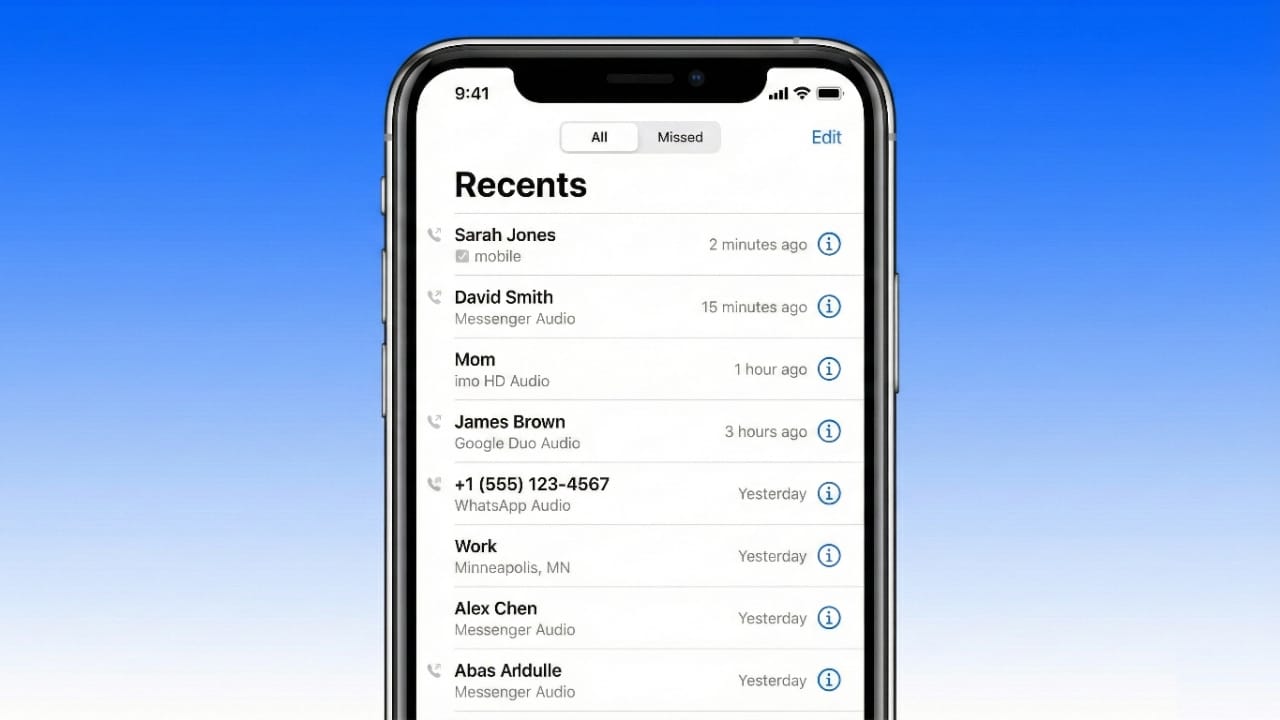
Your call history keeps a record of all incoming, outgoing, and missed calls. Over time, this list can grow long and messy. Removing old call logs helps protect your privacy and keeps your phone running smoothly. The good news is that clearing call history is easy on both Android phones and iPhones.
This guide explains simple, safe ways to delete call records step by step. The instructions are beginner-friendly and suitable for everyday users.
Also read: How to Move WhatsApp Chats Without Using Any Backup (Android & iPhone)
How to Delete Call History on Android
Android phones allow you to erase one call, multiple calls, or the entire call list. The process is quick and does not require any special skills.
Remove a Single Call Entry
- Open the Phone app.
- Go to Call History or Recent Calls.
- Press and hold the call you want to remove.
- Tap Delete or the Trash icon.
- Confirm when asked.
Delete Multiple or All Call Logs
- Open the Phone app and enter Call History.
- Tap the three-dot menu in the corner.
- Choose Clear call history or Delete.
- Select specific calls or choose Select All.
- Tap Confirm to finish.
Once deleted, these call logs are removed from your phone.
Call History Deletion on Popular Android Brands
Different Android brands use slightly different menu names, but the idea stays the same.
Samsung
- Phone app → Three dots → Delete → Select calls → Delete
Huawei
- Phone app → Menu → Delete entries → Select → Delete
Xiaomi
- Phone app → Call History → Clear call history → OK
Tecno
- Phone app → Call History → Long-press calls → Trash icon
Google Pixel & Motorola
- Phone app → Recent calls → Menu → Clear call history
Other brands like OPPO, vivo, Sony, ASUS, and HTC follow nearly identical steps. Open the Phone app, access call history, and use the delete option.
Managing Call Logs with Android PC Tools
Some users prefer managing call data from a computer. Android management software can help you view, back up, and delete call logs in bulk.
General process:
- Install the tool on your computer.
- Connect your phone using a USB cable.
- Enable USB debugging on your device.
- Open the call log section in the software.
- Select entries and delete them as needed.
These tools are helpful if you want better control or a backup before removing data.
How to Clear Call History on iPhone
Apple makes call log deletion very simple using the built-in Phone app.
Delete a Single Call
- Open the Phone app.
- Tap Recents.
- Tap Edit.
- Press the Delete button next to the call.
- Confirm the action.
You can also swipe left on a call and tap Delete.
Delete All Call History
- Open Phone → Recents.
- Tap Edit.
- Select Clear.
- Choose Clear All Recents.
This removes the entire call list at once.
Restoring Deleted Call History on iPhone
If you remove call logs by mistake, they may be restored from a previous backup.
- Restore your iPhone using an iCloud or iTunes backup.
- Make sure the backup was created before the calls were deleted.
Some mobile carriers also provide call records separately for billing or account purposes.
Simple Tips to Manage Call History Better
- Back up regularly: Save important call records using cloud backups or trusted phone management tools.
- Delete unused logs: Remove old or unknown numbers you no longer need.
- Review call details: On iPhone, tap a call to view time and duration.
- Clear history occasionally: This keeps your phone organized and easy to use.
Why Clearing Call History Is a Good Habit
Deleting call logs is not just about cleaning your phone. It offers real benefits:
Better Privacy
Call records can reveal personal or work-related information. Removing them reduces the risk of unwanted access.
Less Storage Usage
Although call logs are small, deleting unnecessary data helps keep your storage clean.
Smoother Phone App Performance
A shorter call list loads faster and works more efficiently.
Easier Navigation
Finding important calls becomes simpler when your history is not cluttered.
Added Security
If a phone is lost or shared, fewer stored records mean less exposed information.
Faster Backups
Smaller data size leads to quicker backups and restores.
Useful for Work Phones
Clearing call logs helps users follow basic data management practices on shared or office devices.
Also read: : How Developers Can Use GPT-OSS-120B for Free: A Clear and Practical Guide
Final Words
Removing call history on Android and iPhone is quick, safe, and useful. Android users can delete calls directly from the Phone app or manage them using computer tools. iPhone users can rely on built-in options to clear or restore call records easily.
Making call log cleanup a regular habit helps protect your privacy, keeps your phone organized, and ensures smoother performance over time.

Jatin Rajput (Tech Golu) — Tech blogger & YouTuber with 6+ years of experience in WhatsApp, Instagram, Facebook, and mobile guides. Founder of TechGolu.in.