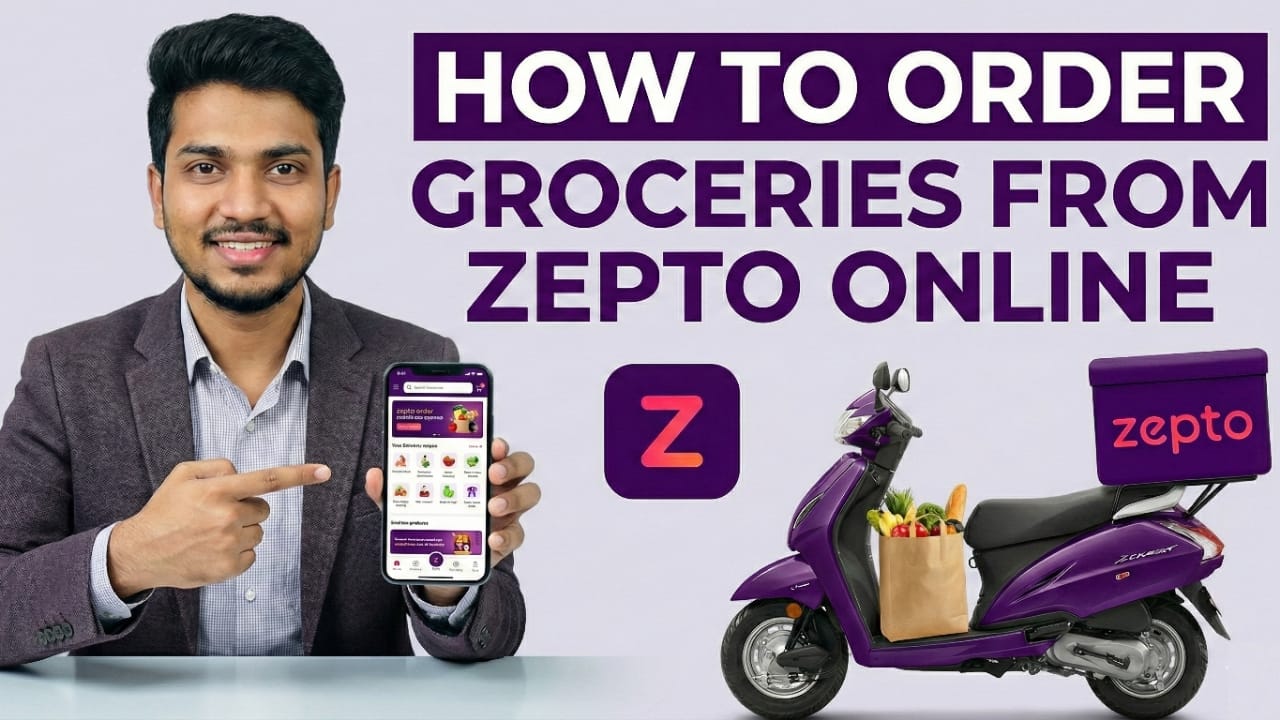
Ordering groceries online is now quick and stress-free. Zepto is one of India’s fastest grocery delivery apps, designed for people who want daily essentials delivered to their doorstep in minutes. If you are using Zepto for the first time, this easy guide will walk you through the entire process from start to finish.
What Is Zepto?
Zepto is a rapid grocery delivery app that brings everyday items straight to your home. In many areas, orders arrive within 10–20 minutes. The app is easy to use, well-organized, and suitable even for first-time online shoppers.
Also read: How to Fix an Unresponsive iPhone Touchscreen (Step-by-Step Guide)
Step-by-Step Guide to Ordering Groceries on Zepto
1. Install the Zepto App
Zepto works on both Android and iPhone devices.
- Open the Google Play Store or Apple App Store
- Search for Zepto
- Tap Install
- Open the app once the download is complete
2. Sign In Using Your Mobile Number
When you open the app for the first time, Zepto asks for phone verification.
- Enter your mobile number
- You will receive a one-time password (OTP)
- Enter the OTP to log in
- Your account is created automatically
3. Set Your Delivery Location
Zepto needs your location to show available items and delivery time.
You can either:
- Allow location access using GPS
- Or type your home address manually
Ensure your address details are correct so delivery is smooth and hassle-free.
4. Browse Product Categories
The home screen displays neatly arranged sections, such as:
- Fruits and vegetables
- Milk, dairy, and breakfast items
- Snacks and beverages
- Meat and eggs
- Household essentials
- Personal care products
Tap any category to see the available products.
5. Add Products to Your Cart
When you find an item you need:
- Tap on the product
- Choose the required quantity
- Tap Add to Cart
You can keep adding items. The cart updates instantly.
6. Check Your Cart Details
Before placing the order:
- Open the cart
- Review item names, quantities, and prices
- Remove or adjust products if needed
You will also see delivery fees, offers (if any), and the expected delivery time.
7. Select a Payment Option
Zepto offers multiple payment methods, including:
- UPI
- Debit or credit cards
- Net banking
- Cash on delivery (available in select locations)
Choose the option you are comfortable with.
8. Confirm and Place Your Order
After reviewing everything:
- Tap Place Order
You can track your order live. The app shows when items are being packed and when the delivery partner is on the way.
9. Receive Your Groceries
Most deliveries arrive within 10–20 minutes.
Once you receive the order, check the items. If something is missing or damaged, you can report the issue directly through the app.
Why Many People Prefer Zepto
- Very fast delivery
- Fresh and quality products
- Simple and user-friendly app
- Reasonable pricing
- Real-time order tracking
Zepto is especially useful for urgent grocery needs and everyday essentials.
Also read: How to Get Verified on Threads Without Paying: Complete Beginner Guide
Final Words
If you are new to ordering groceries online, Zepto makes the experience easy and convenient. From searching products to getting them delivered quickly, every step is designed to save time and effort. Follow this guide once, and you will be able to place future orders confidently without any confusion.

Jatin Rajput (Tech Golu) — Tech blogger & YouTuber with 6+ years of experience in WhatsApp, Instagram, Facebook, and mobile guides. Founder of TechGolu.in.