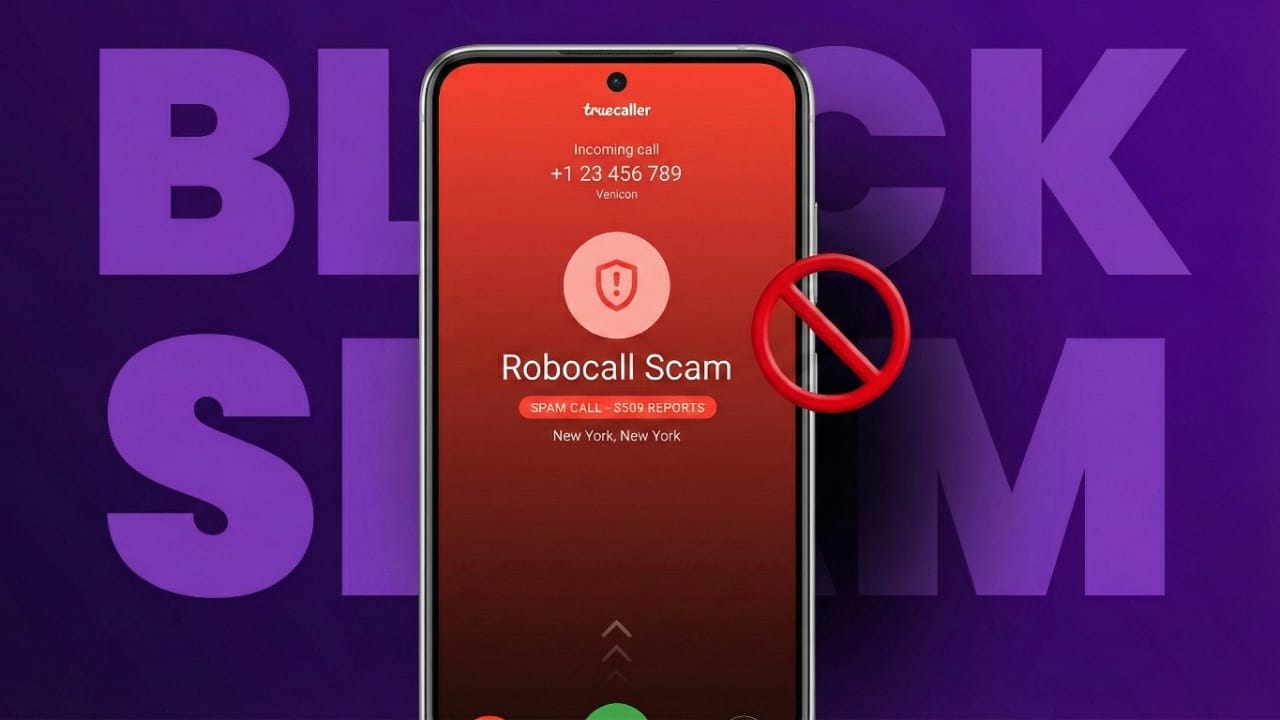
Spam and promotional calls have become a common problem in India. They interrupt work, cause irritation, and waste valuable time. Many people want a clear and simple way to reduce or block such calls. In this guide, you’ll find easy methods to control unwanted calls on smartphones (both iPhone and Android) as well as landline numbers. You’ll also learn how to use TRAI’s DND (Do Not Disturb) service to minimize telemarketing messages.
Why So Many Spam Calls in India?
Telemarketing companies usually dial numbers in bulk. Some callers even display fake caller IDs to avoid being tracked. Automated calling systems (robocalls) and scam messages add to the problem. Because of this, blocking tools and DND services play an important role in reducing unnecessary interruptions.
Blocking Spam Calls on iPhone
Apple devices offer built-in options that help users avoid spam without installing extra apps.
Block a Specific Number
This method is useful when the same number keeps calling:
- Open the Phone app and go to Recents.
- Tap the info icon next to the number.
- Choose Block this Caller and confirm.
Once blocked, you won’t receive calls, texts, or FaceTime requests from that number.
Silence Calls from Unknown Numbers
If you don’t want calls from people you haven’t saved in your contacts, follow these steps:
- Go to Settings.
- Open the Phone section.
- Turn on Silence Unknown Callers.
Calls from unknown numbers will be silently moved to voicemail, and you can check them later.
Blocking Spam Calls on Android Phones
Most Android phones include useful spam protection features.
Block a Single Contact or Number
To stop a particular caller:
- Open the Phone app and check Recents.
- Tap the caller icon.
- Press the three-dot menu button.
- Select Block number and confirm.
You can also mark the call as spam to help improve filtering.
Enable Spam Filtering and Caller ID
Android can automatically detect many spam calls:
- Open the Phone app.
- Tap the three-dot menu and go to Settings.
- Open Caller ID & Spam.
- Enable options for viewing and filtering spam.
This reduces the number of unwanted calls that ring on your device.
Blocking Spam Calls on Landline Phones
If you still use a landline, you may also receive telemarketing calls. Some networks allow call blocking using star codes:
*60– Block a chosen number*77– Block anonymous callers*87– Turn off anonymous call blocking
Because supported codes vary across providers, it’s best to contact customer care to confirm available options.
Using TRAI’s DND Service (Do Not Disturb)
TRAI manages India’s nationwide Do Not Disturb system. When your number is registered, telemarketing companies are required to stop promotional calls and messages.
Register Online
- Open your web browser.
- Visit the official DND registration website.
- Enter your mobile number.
- Choose full or partial DND.
- Submit the request.
You’ll receive a confirmation message. Activation usually takes about 24 hours.
Register via SMS
If you prefer SMS:
- Open your messaging app.
- Type START 0 (for full DND).
- Send it to 1909.
You’ll receive a confirmation reply soon after.
Activate DND Through IVR
You can also register by calling:
- Dial 1909.
- Follow the voice instructions.
- Select your preferred DND option.
All three methods are free and easy to use.
How Does DND Help?
Once your number is added to the DND list, marketing callers are required to remove it from their database. This significantly reduces promotional calls. Companies that ignore these rules face strict penalties, so the system works effectively over time.
Extra Options for Added Protection
Some people like using additional apps to identify callers. Popular choices include:
- Truecaller
- Hiya
- Robokiller
Use these only if basic phone tools and DND are not enough for you.
Daily Tips to Reduce Spam Calls
A few simple habits can also help protect your number:
- Avoid picking calls from unknown numbers.
- Do not share your phone number on untrusted websites.
- Do not respond to recorded promotional calls.
- Avoid replying to suspicious SMS links.
- Report spam through your phone’s settings.
Also read: How Instagram’s Collaborative Posts Feature Helps Creators Grow
Final Thoughts
Millions of people across the country face spam calls every day, but you don’t have to tolerate them. Whether you use an iPhone, Android phone, or landline, each device has easy options to block unwanted callers. When combined with TRAI’s DND service, these methods create strong protection, helping you enjoy fewer interruptions and more peace throughout your day.

Jatin Rajput (Tech Golu) — Tech blogger & YouTuber with 6+ years of experience in WhatsApp, Instagram, Facebook, and mobile guides. Founder of TechGolu.in.