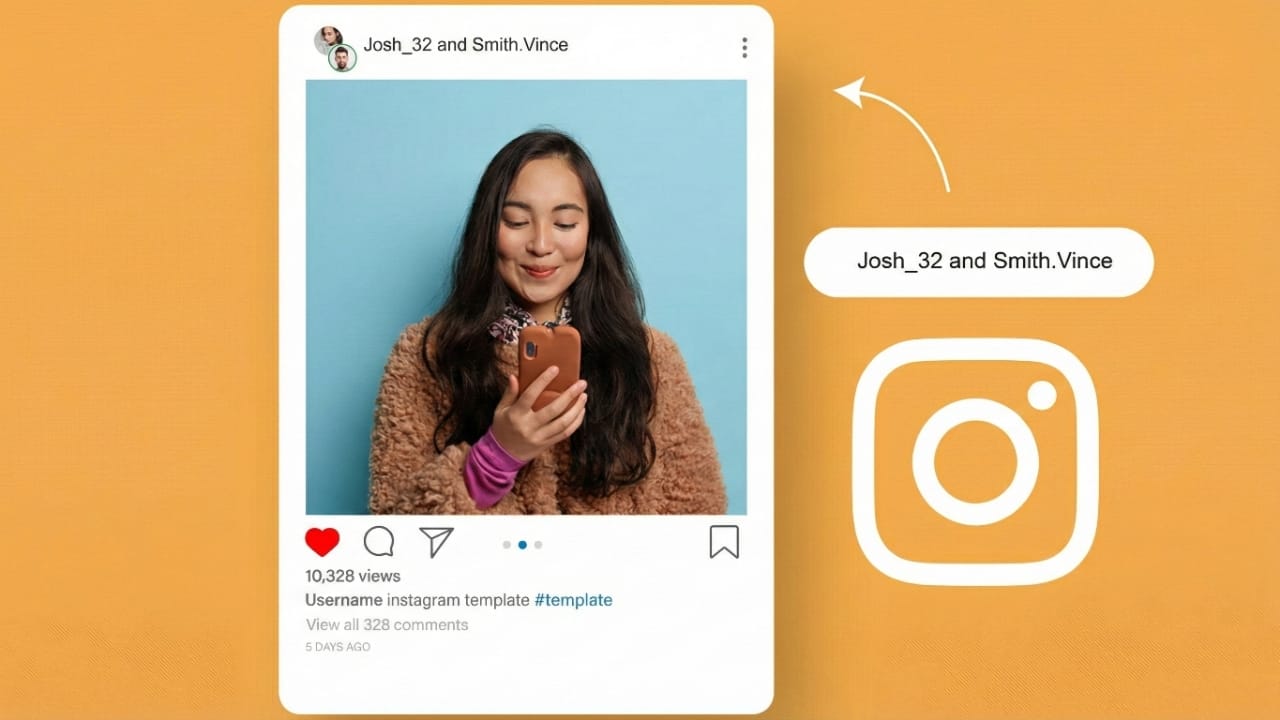
Instagram has introduced a feature called Collaborative Posts, and it’s becoming very popular among creators and brands. It allows two accounts to publish a single post together, making it easier to increase reach and build trust. If you’re new to Instagram, this guide will help you understand how the feature works without confusion.
What Are Collaborative Posts on Instagram?
Collaborative Posts let two accounts share the same content. Once published, the shared post shows on both profile grids and appears in the feeds of followers from each account. Engagement such as likes, comments, and views is counted together, which helps the post perform better.
One person creates the post, and the second person joins as a collaborator. After the invitation is accepted, the post becomes visible on both profiles automatically. This currently works with feed posts and Reels.
Why Creators Love Collaborative Posts
The feature is popular because it allows creators and brands to grow faster with less effort. Viewers also find such content more genuine, as it shows cooperation between people they already follow and trust.
Here are the main advantages:
1. Bigger Reach
Since the post is shared on both accounts, more people see it. This means new followers can discover your content organically, without paid promotions.
2. Higher Engagement
Every like, comment, and share is combined. When engagement increases, Instagram recommends the post to more users, supporting natural growth.
3. Better Trust
Collaborations show teamwork and transparency. Followers feel more confident about both creators when they see them working together.
4. Shared Creative Work
Ideas get better and content improves when two people contribute. Collaboration often leads to unique and interesting posts without extra pressure.
5. Smooth Cross-Promotion
Both accounts receive clear credit as co-authors. This avoids confusion and makes promotions cleaner and more effective.
How to Create a Collaborative Post (Step-by-Step)
It’s very easy to set up. Just follow these steps:
Step 1: Create a Post
Choose your photo, video, or Reel as usual.
Step 2: Write Your Caption and Hashtags
Use simple words and relevant hashtags to explain your content.
Step 3: Invite the Collaborator
Go to Tag People → Invite Collaborator, then search for the username and send the request.
Step 4: Publish the Post
Share the post. The collaborator receives a notification. After they accept, the post appears on both accounts.
Adding a Collaborator After Posting
Instagram now allows you to add collaborators even after the post is live. Here’s how:
- Open the post you want to edit.
- Tap the three dots on the corner.
- Select Edit.
- Choose Tag People.
- Tap Invite Collaborator.
- Search for the account and confirm.
Once they accept, the post appears on their grid as well.
Using Metricool for Scheduled Collaboration Posts
Tools like Metricool make collaboration easier for creators who plan content in advance. You can schedule posts and include collaborator tags directly.
Basic steps:
- Log in to Metricool and open the calendar.
- Click Create New Post and choose Instagram.
- Upload your content and write the caption.
- Use the Add Collaborator option to include names.
- Set date and time, then schedule.
When the scheduled time arrives, the post goes live and invitations are sent automatically.
Popular Ways Creators Use Collaborative Posts
Here are some creative ideas for collaboration:
- Shoutouts: Introduce each other to new followers.
- Joint Posts: Share the same message or campaign from both profiles.
- Giveaways: Run contests together to increase engagement.
- Takeovers: One creator posts on another’s account for fresh content.
- Product Promotions: Brands work together to showcase products.
Also read: How to Stop Spam Calls in India – Simple Tips for Android, iPhone, and Landline Users
Final Thoughts
Instagram’s Collaborative Posts feature simplifies teamwork and helps creators grow faster. Whether you’re posting Reels, running campaigns, or planning giveaways, collaboration opens doors to a wider audience and stronger engagement. If you want to improve visibility naturally, start using this feature and create meaningful partnerships online.

Jatin Rajput (Tech Golu) — Tech blogger & YouTuber with 6+ years of experience in WhatsApp, Instagram, Facebook, and mobile guides. Founder of TechGolu.in.